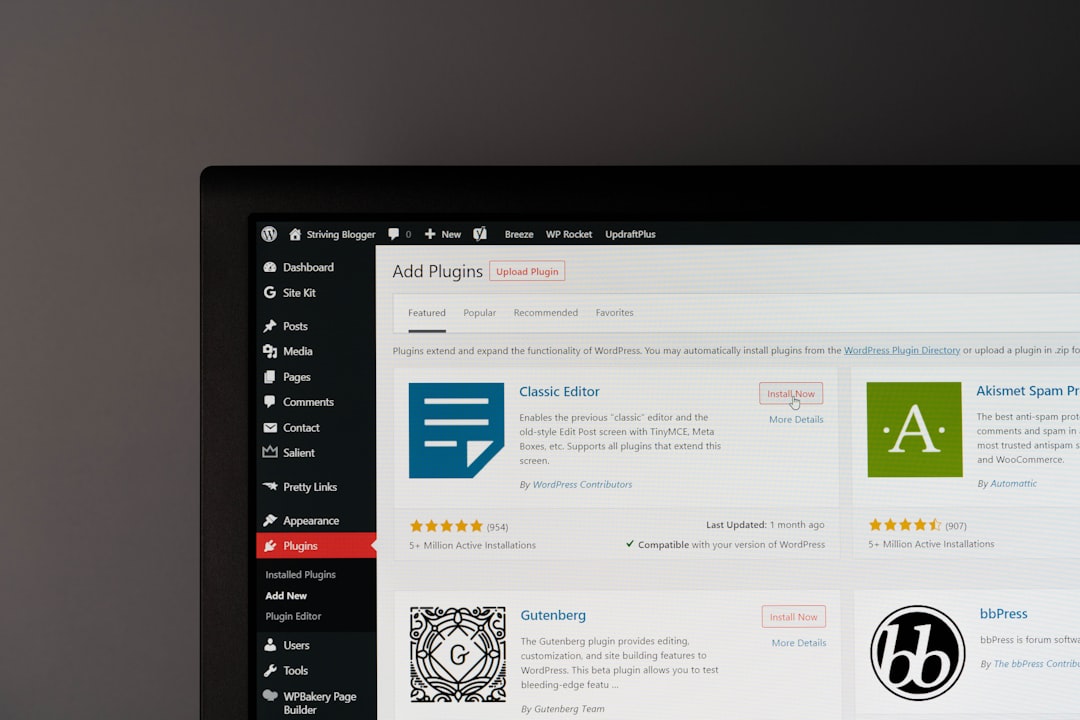
Choose WordPress templates if you want control, ownership, and room to grow; choose Wix templates if you want the fastest path to a polished site with less technical work. WordPress runs on separate web hosting, while Wix includes hosting inside its website builder. That one difference affects cost, speed, design limits, security, backups, plugins, and long-term freedom. WordPress is used by about 43% of all websites, which reflects its reach across blogs, stores, publishers, and business sites [source: W3Techs].
TLDR: WordPress is better for businesses that expect to add custom features, improve SEO in detail, or move hosts later. Wix is better for small sites that need to launch quickly, such as a local consultant who wants five pages live by Friday. For example, a service business with 12 pages, 30 images, and one contact form may finish a Wix site in one weekend, while a WordPress build may take several extra days but offer more control later. If your site may grow from 10 pages to 500, WordPress is usually the safer bet.
What “templates” really mean on each platform
On Wix, templates are complete site designs inside a hosted builder. You pick a category, edit text, swap images, adjust colors, and publish. Hosting, SSL, updates, and core maintenance are bundled into the monthly plan.
On WordPress, templates usually mean themes, block patterns, or page builder layouts. You install WordPress on a hosting account, then choose a theme or builder. Popular options include block themes, Elementor templates, Kadence, Astra, GeneratePress, and many niche themes for restaurants, agencies, shops, and portfolios.
The catch is that WordPress gives you more choices than most beginners expect. That sounds good, until you spend 45 minutes deciding between three header layouts that all look almost the same. Wix reduces those decisions. WordPress gives you the keys.
Image not found in postmetaSpeed of setup
Wix wins for fast setup. A basic site can be published in hours. The editor is visual. The hosting is ready. You do not need to compare server plans or install a content management system.
WordPress takes longer at the start. You need hosting, a domain, WordPress installation, a theme, plugins, backups, and security basics. Many hosts now offer one-click setup, but the process still has more moving parts.
- Best for a same-week launch: Wix
- Best for a planned business site: WordPress
- Best for non-technical users: Wix
- Best for teams with a developer or agency: WordPress
Design flexibility
Wix templates are attractive and easy to edit. For small business sites, portfolios, event pages, and simple online stores, they often look good with minimal work. You can drag elements into place, resize sections, and adjust style settings without code.
WordPress has a wider design range. You can use lightweight themes, full-site editing, custom CSS, custom templates, and advanced page builders. You can build a clean brochure site or a large publishing system with custom post types and structured content.
Honestly, it feels like Wix is calmer until you hit a wall. You may want a very specific layout, a custom database field, or a special checkout process. At that point, WordPress tends to cope better.
Hosting and performance
With Wix, hosting is part of the product. That keeps life simple. You do not choose a server, file system, caching plugin, or PHP version. Wix handles the infrastructure.
With WordPress, hosting quality matters a lot. Cheap shared hosting can make even a good template feel slow. Better managed WordPress hosting often gives stronger caching, staging sites, backups, malware scanning, and better support.
Performance is not only about the platform. It also depends on image size, scripts, fonts, apps, plugins, and page weight. A bloated WordPress theme can be slow. A Wix page packed with animations can also drag.
SEO control
Both platforms can support good SEO. Wix has improved its SEO tools over the years. You can edit title tags, meta descriptions, redirects, alt text, and structured settings for many standard use cases.
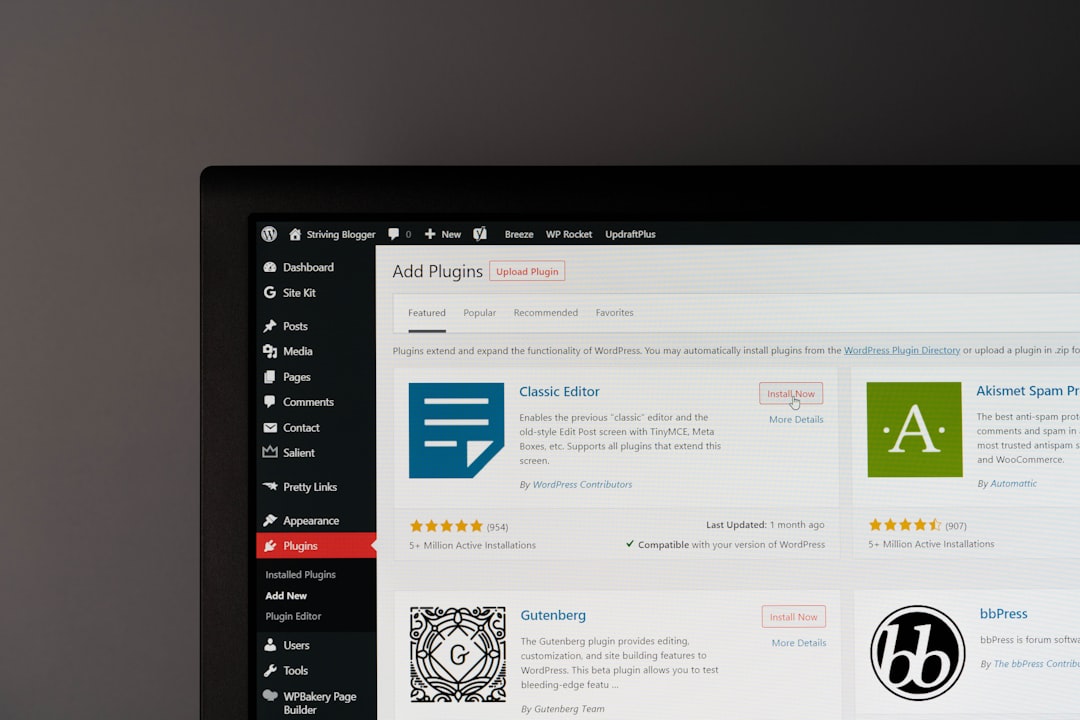
WordPress still offers deeper SEO control. Plugins such as Yoast SEO, Rank Math, or The SEO Framework give stronger options for schema, XML sitemaps, indexing rules, breadcrumbs, canonical settings, and content auditing. For content-heavy sites, this matters.
If SEO is a major growth channel, WordPress usually gives more room. If you only need local visibility for a salon, studio, accountant, or small service firm, Wix may be enough.
Content management
WordPress started as a blogging platform, and that shows in a good way. It handles categories, tags, authors, archives, revisions, and large content libraries well. It is built for publishing.
Wix can run a blog and manage pages, but it is less suited to large editorial operations. If you plan to publish hundreds of articles, compare products, build resource hubs, or manage several content types, WordPress is the sturdier option.
For a five-page brochure site, this difference may not matter. For a website that becomes part of your sales engine, it matters a lot.
Apps, plugins, and integrations
Wix has an app market for bookings, forms, chat, events, payments, marketing, and analytics. The apps are easier to add and usually fit the platform cleanly.
WordPress has a huge plugin ecosystem. That is both useful and risky. You can add memberships, learning systems, booking tools, directories, forums, multilingual content, subscriptions, advanced forms, and almost anything else. But every plugin adds possible maintenance, security, and speed concerns.
- Use Wix if you want fewer tools and fewer decisions.
- Use WordPress if you need specific integrations or custom workflows.
- Avoid plugin overload on WordPress. More plugins do not mean a better site.
Ecommerce
Wix supports small and mid-sized online stores. It can handle products, payments, coupons, shipping settings, and abandoned cart tools on eligible plans. For simple retail, it is easy to manage.
WordPress ecommerce usually means WooCommerce. It is more flexible and has a large extension market. It supports complex catalogs, custom checkout flows, subscriptions, wholesale pricing, digital goods, bookings, and advanced tax or shipping setups.
Expect to waste time on configuration if you choose WooCommerce without a clear plan. Product settings, payment gateways, email templates, and shipping rules can pile up fast. Still, for serious ecommerce control, WordPress is often stronger.
Costs and ownership
Wix pricing is predictable. You pay for a plan, and hosting is included. You may also pay for premium apps, email, domain renewal, and ecommerce features. The tradeoff is that your site is tied closely to Wix.
WordPress costs vary. You pay for hosting, domain renewal, premium themes, plugins, security tools, backups, and professional help if needed. A simple WordPress site can be cheap. A serious business site can cost much more.
The ownership difference is key. With WordPress, you can move hosts and keep your site files and database. With Wix, moving usually means rebuilding elsewhere. That may not matter for a small site. It can matter a great deal after years of content and search traffic.

Security and maintenance
Wix handles core security, hosting patches, and platform updates. That reduces risk for owners who do not want to manage technical tasks.
WordPress requires more care. You must update themes, plugins, and WordPress itself. You also need backups, spam protection, strong passwords, and security monitoring. Managed hosts can reduce this workload, but they do not remove it fully.
If you ignore WordPress updates for six months, trouble can follow. If you run a business site, assign maintenance to someone. Do not treat it as optional.
Which should you choose?
Choose Wix if your site is small, your deadline is close, and you want fewer technical choices. It is a strong fit for portfolios, local services, landing pages, small restaurants, event sites, and solo professionals.
Choose WordPress if your site needs long-term growth, advanced SEO, publishing depth, custom features, or host portability. It is a better fit for content sites, larger company sites, membership platforms, directories, and ecommerce projects with special needs.
The practical rule is simple. If the website is mainly an online business card, Wix is often sensible. If the website is a core business asset, WordPress is usually worth the extra setup work.