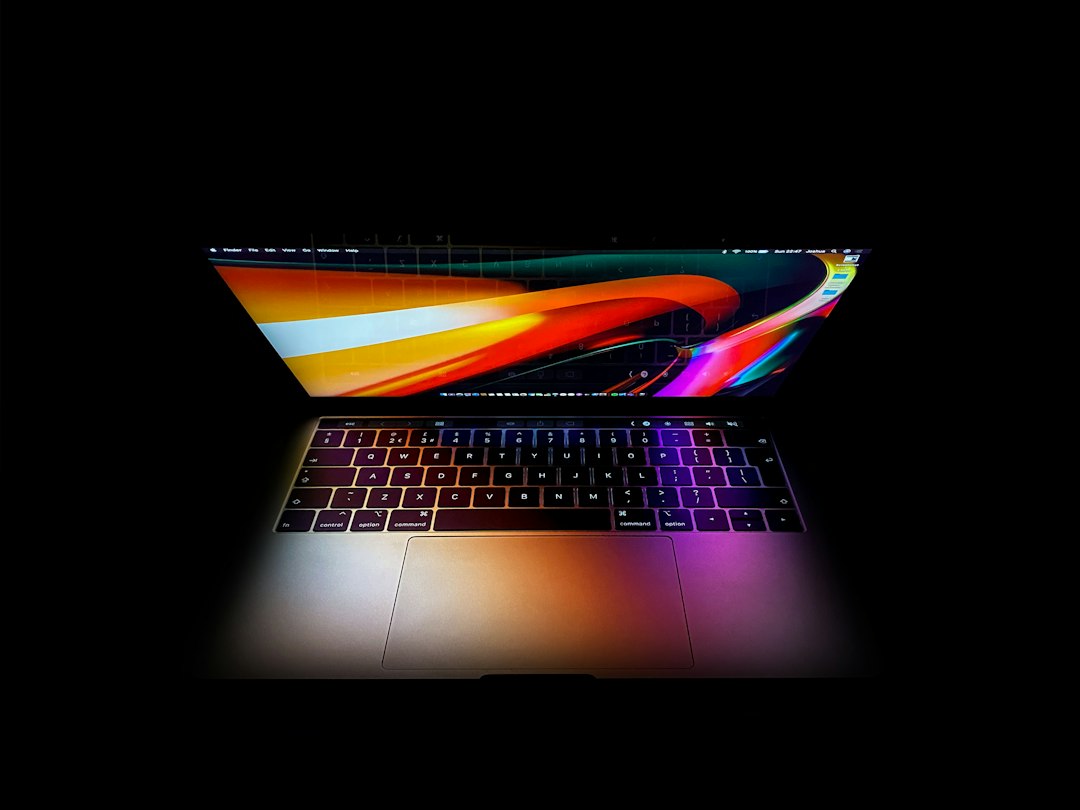
Yes, Doom can run on a MacBook Touch Bar, but it is more of a clever tech stunt than a good way to play the game. The Touch Bar is the thin Multi Touch strip found on some MacBook Pro models, and Apple describes it as a control surface that changes based on the app in use [source: Apple].
TLDR: Doom can be made to appear on the MacBook Touch Bar, usually through experimental ports and developer tricks. The display is only a very thin strip, around 60 pixels tall, so the game is playable in the loosest possible sense. For example, a player may see the corridor and enemies squeezed into a tiny band, but aiming and reading the screen are rough. It is fun for a 30 second demo, not for a full Doom session.
The short answer needs a bit of context. Doom has become the internet’s favorite test for strange hardware. It has appeared on printers, calculators, cameras, ATMs, and even smart fridges. So, when Apple added a tiny screen above the keyboard, someone was always going to ask the obvious question.
Can Doom run there? Yes. Should anyone play it there? Probably not, unless the goal is to prove a point and laugh at the result.
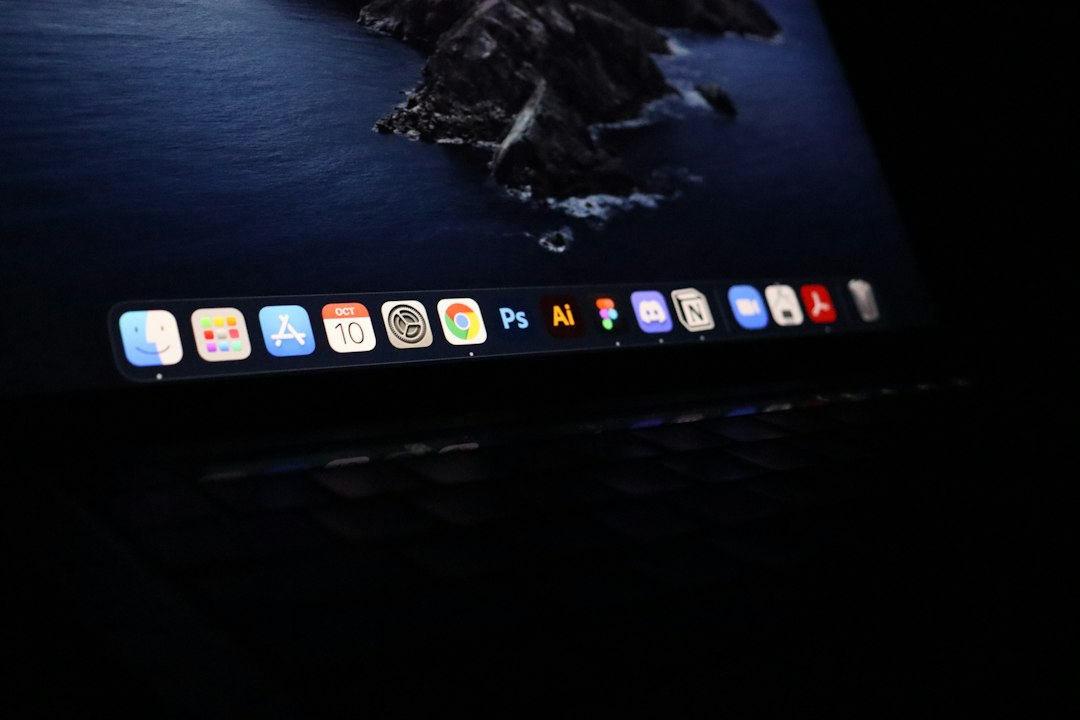
How Doom Works on the Touch Bar
The MacBook Touch Bar is not a normal monitor. It was designed for buttons, sliders, emoji, volume tools, and app shortcuts. It was not designed for first person shooters from the 1990s.
Still, developers found ways to draw graphics to it. Doom can be rendered into the long, narrow Touch Bar area, then squeezed until it fits. That is where the fun starts. The game still behaves like Doom, but the view is absurdly wide and painfully short.
The annoying part is that the player is technically playing Doom, yet also fighting the screen the whole time. Enemies are hard to spot. Doors are hard to read. The status bar becomes nearly useless. A simple action that normally takes one second can take several more because the display is so cramped.
Is It Actually Playable?
Only barely. Doom on the Touch Bar is playable in the same way a movie is watchable through a mail slot. The image exists. Movement works. The game can respond to controls. But it is not comfortable.
A player would usually still need the keyboard for movement and actions. The Touch Bar acts as the display, not as a full game controller. That means hands stay on the keyboard while the eyes stare at a tiny strip above it. Honestly, it feels like the kind of setup that causes neck pain just to prove a joke can be real.
People who enjoy retro hardware hacks may love it. People who want to finish a level will be done with it fast.
- Best use: showing a weird tech demo to friends.
- Worst use: trying to play seriously.
- Biggest problem: the Touch Bar is far too short.
- Fun factor: high for a minute, low after that.
Which MacBooks Had the Touch Bar?
The Touch Bar appeared on several MacBook Pro models, starting in 2016. Not every MacBook has it. MacBook Air models do not have it. Many newer MacBook Pro models also dropped it and brought back physical function keys.
That matters because the trick needs real Touch Bar hardware. A regular MacBook screen does not count. A software Touch Bar emulator may show similar results, but that defeats half the joke.
Image not found in postmeta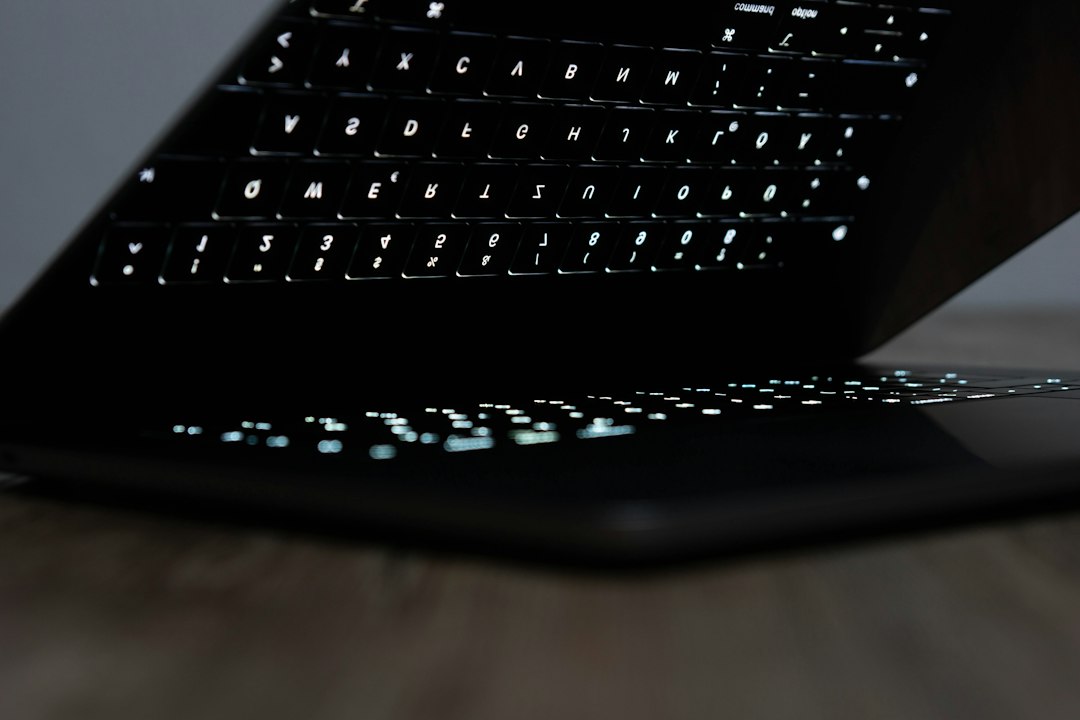
Why Doom Gets Ported to Strange Devices
Doom is old, fast, and famous. Its code has been studied for decades. It also does not need modern graphics power. That makes it perfect for odd screens and low power systems.
There is also a culture around it. Running Doom on strange hardware has become a badge of nerd humor. If a device has a screen and enough logic to push pixels, someone will try it. The Touch Bar fits that pattern perfectly.
In this case, the result is funny because the Touch Bar is so clearly wrong for the job. It is long. It is thin. It sits in an awkward place. Yet Doom still shows up, stubborn as ever.
What Is Needed to Try It?
A person would need a MacBook Pro with a Touch Bar, a compatible Doom Touch Bar project, and enough comfort with running code from developer sources. That last part matters. Random downloads from old forum posts or file mirrors can be risky.
Safer users should search for known open source projects, read the code notes, and avoid anything that asks for odd permissions. Doom itself also needs game data files, often called WAD files. Shareware Doom files are easier to use legally than copying full commercial game files from random sites.
Expect to waste time on setup. Old demo projects may fail on newer macOS versions. Some need extra tools. Some break after system updates. This is not like installing a game from the App Store.
Is It Worth Doing?
For curiosity, yes. For gaming, no. Doom on the MacBook Touch Bar is a fun proof of concept. It shows how flexible software can be. It also shows why screen size matters.
The best version of the experience is simple: run it, take a photo, laugh, then play Doom on the main screen like a normal person. The Touch Bar version is the party trick. The real game belongs on a real display.
Image not found in postmetaFAQ
-
Can someone play Doom on a MacBook Touch Bar?
Yes. Doom has been made to run on the Touch Bar through experimental projects. It is not a smooth or practical way to play. -
Does every MacBook support this?
No. Only certain MacBook Pro models have a Touch Bar. MacBook Air models and many newer MacBook Pro models do not. -
Is Doom on the Touch Bar easy to control?
Not really. The keyboard can handle movement, but the tiny display makes aiming and seeing enemies awkward. -
Is it safe to install a Doom Touch Bar port?
It can be safe if the project is trusted and open source. Unknown downloads should be avoided, especially if they request strange permissions. -
Is it better than playing on the main MacBook screen?
No. The main screen is far better. The Touch Bar version is mainly for fun, jokes, and tech demos.