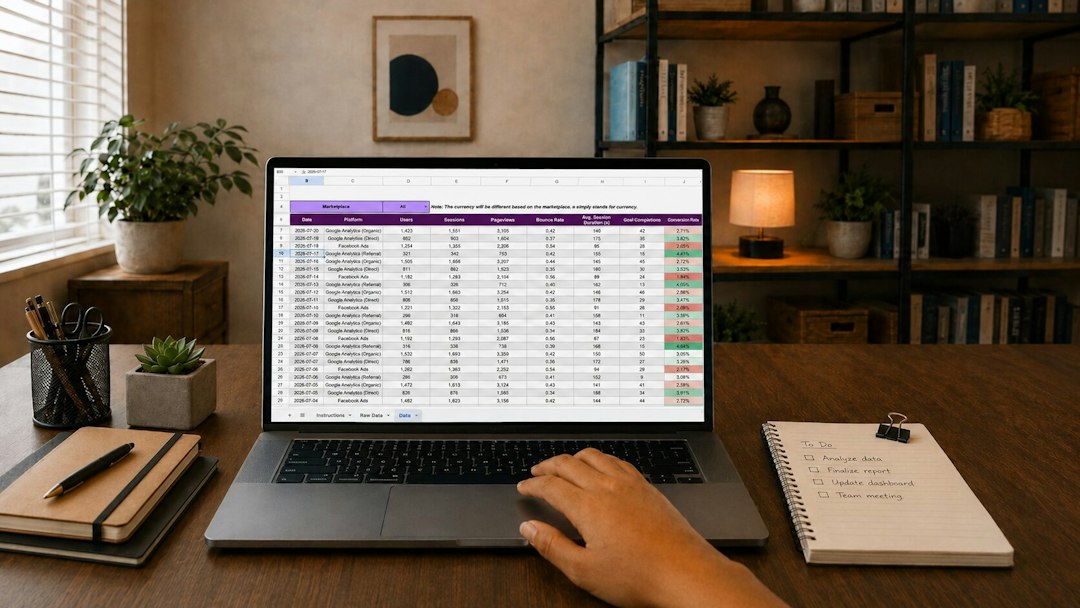
The best TestWizard alternative depends on one thing first: what you hate doing by hand. If your pain is grading, pick Gradescope or Moodle. If your pain is secure online exams, try Exam.net or ClassMarker. If your pain is keeping students engaged, Quizizz is the friendlier choice. Online assessment is not a side task anymore; NCES data shows millions of U.S. college students still take distance education courses, so clean testing workflows matter [source: NCES].
TLDR: For most teachers replacing TestWizard, Quizizz is the easiest starter option, while Gradescope is better for teachers who grade written work, math, code, or scanned exams. A department running 400 weekly quizzes could save 5 to 8 hours by using auto grading, item banks, and instant reports instead of spreadsheet checks. For example, a biology teacher could assign a 30-question unit test, auto grade 25 multiple choice questions, then review only 5 short answers. That is the real win: less clicking, faster feedback, and clearer progress data.
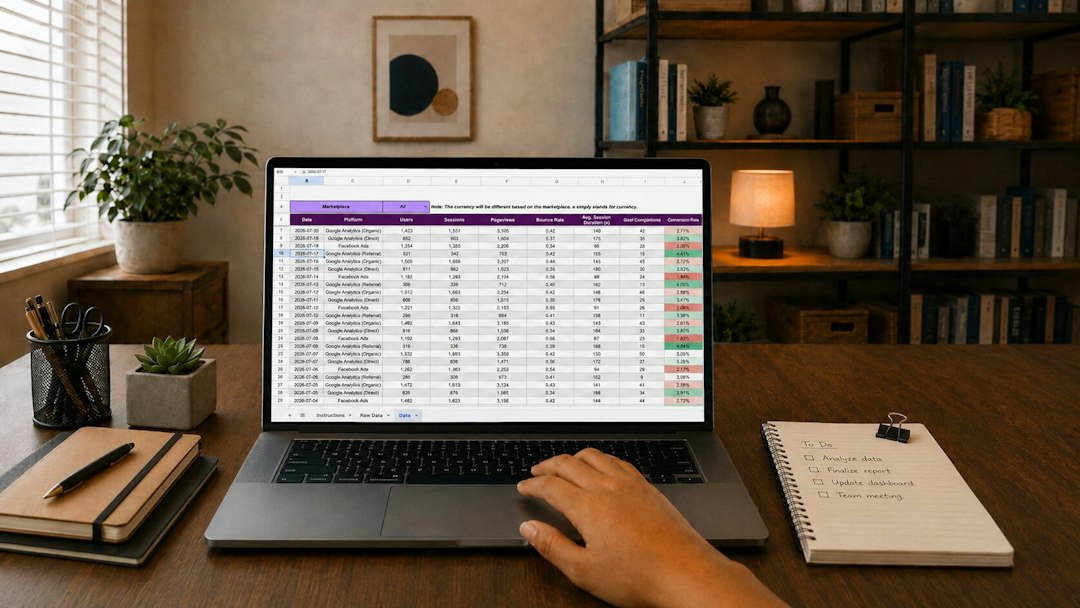
1. Quizizz: Best for quick checks and student engagement
Quizizz is a strong TestWizard alternative if you want fast quizzes, lively practice, and easy reports. It works well for middle school, high school, tutoring, and review sessions. Teachers can create questions, import content, run live quizzes, or assign homework.
The best part is the feedback loop. Students know how they did right away. Teachers get class-level reports without digging through menus. Honestly, it feels like a relief when a tool does not make you click through six screens just to see who missed question 12.
- Best for: formative assessment, review games, homework quizzes
- Automated grading: yes, for objective questions
- Progress tracking: class reports, accuracy data, question analysis
- Weak spot: less suited for formal locked-down exams
2. Exam.net: Best for secure online exams
Exam.net is built for schools that care about test control. It supports locked exam settings, teacher monitoring, and controlled access. That makes it useful for final exams, entrance tests, and higher-stakes assessments.
Teachers can write exams inside the platform or upload existing documents. Students enter an exam key, and the teacher can control timing, resources, and submission rules. It is not the flashiest tool, but that is not the point. It is made to keep exams orderly.

- Best for: formal exams, timed tests, controlled testing rooms
- Automated grading: yes, depending on question type
- Progress tracking: exam submissions, results, teacher review tools
- Weak spot: setup can feel strict for simple quizzes
3. Moodle Quiz: Best for schools that want control
Moodle Quiz is a great fit if your school already uses Moodle as its learning platform. It gives teachers a deep question bank, random question selection, time limits, attempts, feedback rules, and gradebook sync. It can handle simple quizzes or detailed exams with many rules.
The catch is the setup. Moodle is powerful, but it can feel fussy. Expect to waste time on settings the first week if no one has built a clean course template. Once the structure is ready, though, it becomes very efficient.
- Best for: schools using Moodle, blended courses, repeat testing
- Automated grading: yes, with many question types
- Progress tracking: gradebook, completion tracking, activity reports
- Weak spot: not as simple as newer quiz apps
4. Gradescope: Best for rubrics, written work, and STEM grading
Gradescope is one of the strongest options for teachers who grade more than multiple choice. It is popular for math, science, engineering, computer science, and long-form written answers. You can use rubrics, group similar answers, and grade the same type of response in batches.
This is where it beats many standard quiz tools. If 60 students make the same algebra mistake, you can apply feedback once instead of typing the same comment again and again. That small feature can save your sanity during exam week.
- Best for: handwritten exams, coding tasks, rubrics, partial credit
- Automated grading: strong for some formats, assisted for others
- Progress tracking: question stats, rubric results, grade exports
- Weak spot: less playful for younger students
5. ClassMarker: Best for businesslike online tests
ClassMarker is a clean online testing platform for schools, training teams, and certification programs. It supports question banks, timed tests, certificates, auto grading, and private test links. It feels more formal than Quizizz and simpler than a full learning management system.
It is useful when you need reliable tests without building a whole course around them. For example, a school could use it for placement tests, make-up exams, or department-wide benchmarks. Reports are clear, and exporting results is simple enough.
- Best for: placement tests, certificates, staff training, benchmarks
- Automated grading: yes
- Progress tracking: scores, attempts, groups, exported reports
- Weak spot: fewer classroom engagement features
How to choose the right TestWizard replacement
Do not start with the longest feature list. Start with your weekly pain. If you grade many open responses, Gradescope is the smart pick. If you run formal exams, Exam.net or ClassMarker makes more sense. If students need practice and instant feedback, Quizizz is hard to beat. If your school already lives in Moodle, use Moodle Quiz before paying for another tool.
A good assessment platform should do three boring jobs well: collect answers, grade what it can, and show who needs help. Everything else is extra. The right TestWizard alternative will save time, reduce grading errors, and give students feedback while the lesson is still fresh.