The best Yapper AI alternatives are tools that turn raw ideas, long videos, podcasts, webinars, and product clips into short social posts with less manual editing. That matters because video is now a default marketing format, not a nice extra; Wyzowl reports that 89% of businesses use video as a marketing tool [source: Wyzowl]. For creators, agencies, and small teams, the right tool can cut hours from weekly production.
TLDR: For fast social clips, Opus Clip and Kapwing are strong Yapper AI alternatives. For visual effects and creative video, Runway and Pika are better picks. A podcast team posting 12 clips per week could turn a 60 minute recording into 8 to 15 short videos in one session, then test hooks, captions, and formats faster.
1. Opus Clip
Opus Clip is built for creators who need short clips from long video. It scans webinars, podcasts, interviews, and talking head videos, then suggests cuts with hooks, captions, and social friendly framing.
It works well for coaches, podcasters, educators, and B2B teams. The tool can spot strong moments, but humans still need to check tone. Honestly, it feels like some “viral score” suggestions sound too confident for clips that are just okay.
- Best for: repurposing long videos into TikTok, Shorts, and Reels.
- Strength: fast clip detection and auto captions.
- Weak spot: edits can feel formulaic without a manual polish.
2. Descript
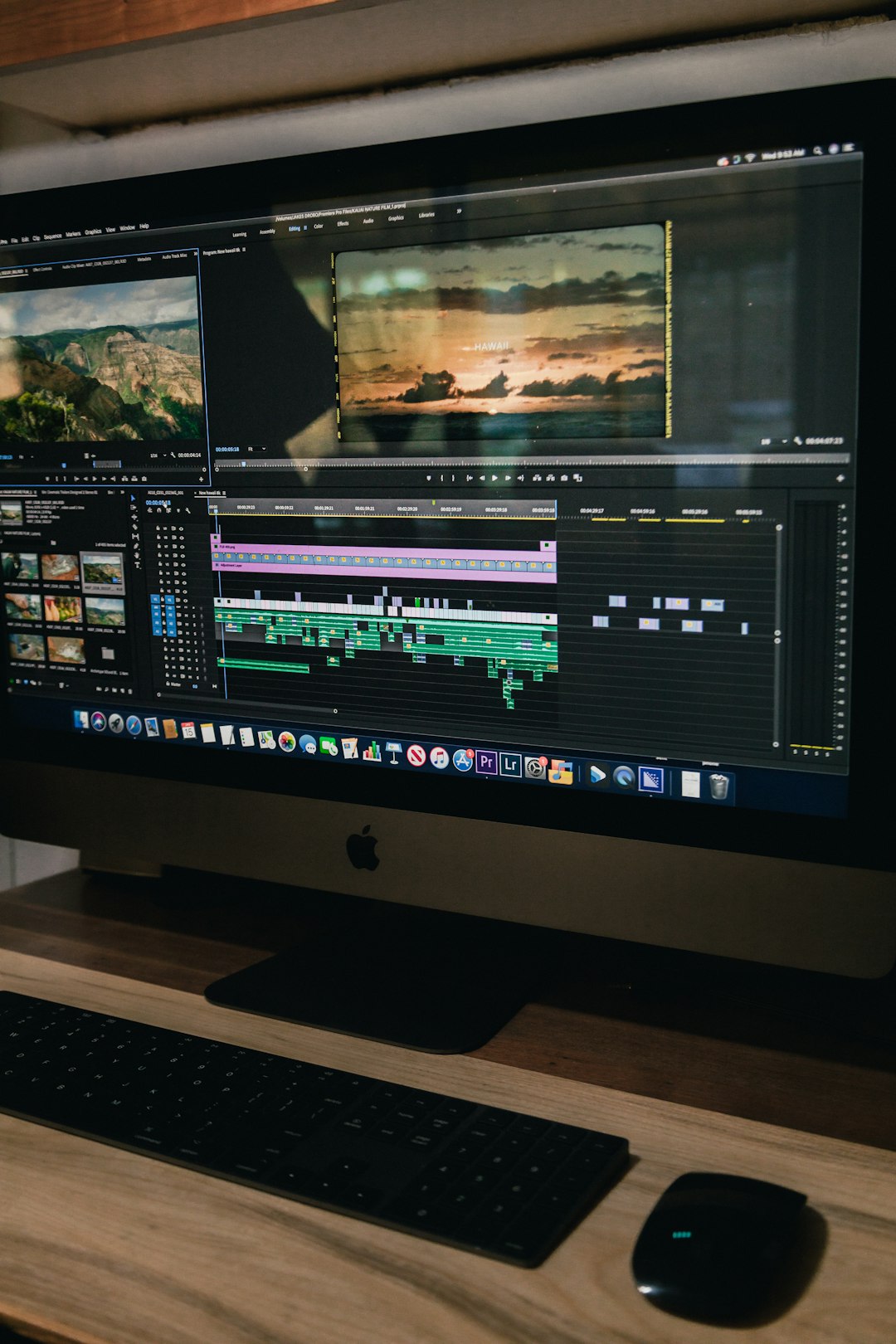
Descript suits teams that edit video like a document. Users can remove words from a transcript, and the video changes with it. This is handy for interviews, podcasts, training videos, and product explainers.
Its filler word removal saves time. The screen recorder and audio cleanup tools are useful too. The catch is that heavy projects can feel slower than expected, especially when a team adds many tracks, captions, and scenes.
- Best for: podcast clips, tutorials, and speech heavy videos.
- Strength: transcript based editing.
- Weak spot: complex edits may need a more classic video editor.
3. Runway
Runway is a better fit when the goal is not just clipping, but creating visual effects and AI generated video shots. It can generate scenes, remove objects, extend frames, and help with style based video work.
This makes it popular with music video makers, ad teams, and experimental creators. It is not the cheapest option for people who only need captions. But for visual ideas, it gives far more creative control than most clip generators.
- Best for: AI video generation, effects, and scene experiments.
- Strength: strong creative tools for visuals.
- Weak spot: results may need several tries before they look right.

4. Pika
Pika helps creators turn text prompts and images into short video clips. It is useful for social posts, concept videos, pitch material, and quick creative tests. The interface is simple enough for non editors, which is a real plus.
Pika is especially useful when a creator needs a visual post but has no footage. A brand could create a short product mood video, a fantasy scene, or a themed teaser for a launch. Some motion can look odd, though. Expect to waste time on a few generations before one feels usable.
- Best for: short AI generated scenes and visual social posts.
- Strength: quick prompt to video creation.
- Weak spot: motion and hands can still be uneven.
5. Kapwing
Kapwing is a practical web based editor for social media teams. It includes captions, resizing, templates, trimming, subtitles, background removal, and simple AI tools. It is not only an AI tool. That is part of the appeal.
Teams can use it to edit clips for TikTok, LinkedIn, Instagram, and YouTube without installing heavy software. It also supports shared workspaces, so it fits small agencies and content teams.
- Best for: collaborative social media editing.
- Strength: templates, captions, resizing, and browser based editing.
- Weak spot: advanced editors may find it too basic.
6. Captions
Captions is made for speaker led videos. It can add subtitles, fix eye contact, clean audio, translate videos, and style clips for social platforms. It is a strong choice for founders, creators, sales teams, and educators who appear on camera often.
The polished caption styles are useful because social feeds are watched with sound off more than creators like to admit. Captions also helps videos feel more native to mobile platforms, not like old desktop content squeezed into a phone screen.
- Best for: talking head social videos.
- Strength: subtitles, dubbing, eye contact, and mobile first edits.
- Weak spot: less suited for deep visual effects.

How to choose the right Yapper AI alternative
The choice depends on the main task. If the team has long videos, Opus Clip is the cleanest starting point. If it edits podcasts or interviews, Descript fits better. If the work needs AI visuals, Runway or Pika makes more sense.
For daily social work, Kapwing is simple and flexible. For people speaking to camera, Captions is hard to ignore. The smartest stack may include two tools: one for clipping and one for visual polish.
FAQ
What is the best Yapper AI alternative for short social clips?
Opus Clip is one of the best picks for turning long videos into short clips. It is especially useful for podcasts, webinars, and interviews.
Which tool is best for AI visual effects?
Runway is the strongest option for AI video effects, object removal, image to video work, and creative scene generation.
Which tool is easiest for beginners?
Kapwing and Captions are beginner friendly. Both focus on clear workflows and quick social media output.
Can these tools replace a human editor?
Not fully. They can save hours on captions, cuts, resizing, and first drafts. A human editor still improves pacing, story, humor, and brand fit.
Which option is best for podcasts?
Descript works well for editing full podcast episodes, while Opus Clip is better for turning those episodes into short promotional clips.