For Mac users in 2026, Instagram work is no longer limited to scrolling through a phone screen. Creators, social media managers, small businesses, photographers, and agencies now rely on Mac-friendly tools for planning posts, editing Reels, managing comments, tracking analytics, and collaborating across teams. The best Instagram apps for Mac users are usually a mix of official Meta tools, browser-based platforms, and powerful creative software that fits naturally into a macOS workflow.
TLDR: The best Instagram apps for Mac users in 2026 include Instagram on the web, Meta Business Suite, Later, Buffer, Metricool, Canva, Adobe Express, Lightroom, and CapCut. Mac users who need simple posting and messaging should start with Instagram’s web app, while brands and agencies usually benefit from scheduling and analytics platforms. For content creation, photo editing, and short-form video, design and editing apps are just as important as Instagram management tools.
What Makes a Good Instagram App for Mac in 2026?
A strong Instagram app for Mac should do more than open a feed in a browser. The best options help users save time, maintain visual consistency, and publish content without constantly switching between devices. Since Instagram’s API rules are strict, the most reliable tools are those that work with official Meta integrations and avoid risky automation.
In 2026, Mac users should look for safe account access, post and Reel scheduling, comment management, analytics, content creation features, and cross-platform syncing. Apps that support Apple Silicon performance, cloud storage, and team workflows are especially useful for professionals.
1. Instagram Web App
Best for: everyday browsing, posting, messaging, and quick account checks.
Instagram’s web experience has improved significantly, making it one of the easiest options for Mac users. It works in Safari, Chrome, Edge, and other modern browsers, and it can be saved to the Dock as a web app on supported macOS versions. This gives users a more app-like experience without installing a third-party client.
Users can view the feed, upload posts, manage direct messages, watch Reels, and interact with comments. For casual creators and small businesses, this may be enough. However, it is not the best option for advanced scheduling, content calendars, team approvals, or detailed analytics.
- Pros: free, official, easy to access, safe login.
- Cons: limited planning tools and fewer professional workflow features.
2. Meta Business Suite
Best for: businesses managing Instagram and Facebook together.
Meta Business Suite remains one of the most important Instagram tools for Mac users in 2026. It runs in the browser and allows businesses to manage posts, Stories, messages, comments, ads, and analytics from one place. Since it is an official Meta product, it is one of the safest choices for users who want account stability.
Its biggest advantage is that it connects Instagram and Facebook management. Businesses can schedule content, review audience insights, respond to messages, and track post performance without using a phone. It is especially useful for local businesses, ecommerce brands, consultants, and service providers.
The interface can feel busy, but its official status and broad feature set make it a practical foundation for professional Instagram management.
3. Later
Best for: visual planning, scheduling, and creator workflows.
Later is one of the most polished Instagram planning tools for Mac users. Its visual calendar helps creators arrange posts before publishing, which is particularly useful for feeds that depend on aesthetic consistency. Later supports scheduling for posts, Reels, Stories, and multiple social platforms, depending on the selected plan and Instagram account type.
Mac users often prefer Later because it feels organized and easy to understand. The drag-and-drop calendar, media library, link-in-bio features, and performance reports make it a strong choice for influencers, boutiques, photographers, and lifestyle brands.
- Standout feature: visual feed preview for planning an Instagram grid.
- Good fit: creators who care about brand style and posting consistency.
4. Buffer
Best for: simple scheduling across multiple social channels.
Buffer is ideal for Mac users who want a clean, straightforward way to schedule Instagram content. It offers a simple queue system, calendar views, basic analytics, and team collaboration tools. It is not the most advanced visual planner, but it is dependable and easy to learn.
For freelancers and small teams, Buffer’s simplicity is a major benefit. A user can draft captions, schedule posts, review performance, and manage multiple accounts with minimal friction. It is also useful for brands that post across Instagram, LinkedIn, Facebook, TikTok, and other platforms.
Buffer is best for users who prefer clarity over complexity. It may not offer every high-end analytics feature, but it handles everyday publishing very well.
5. Metricool
Best for: analytics, reporting, and competitive tracking.
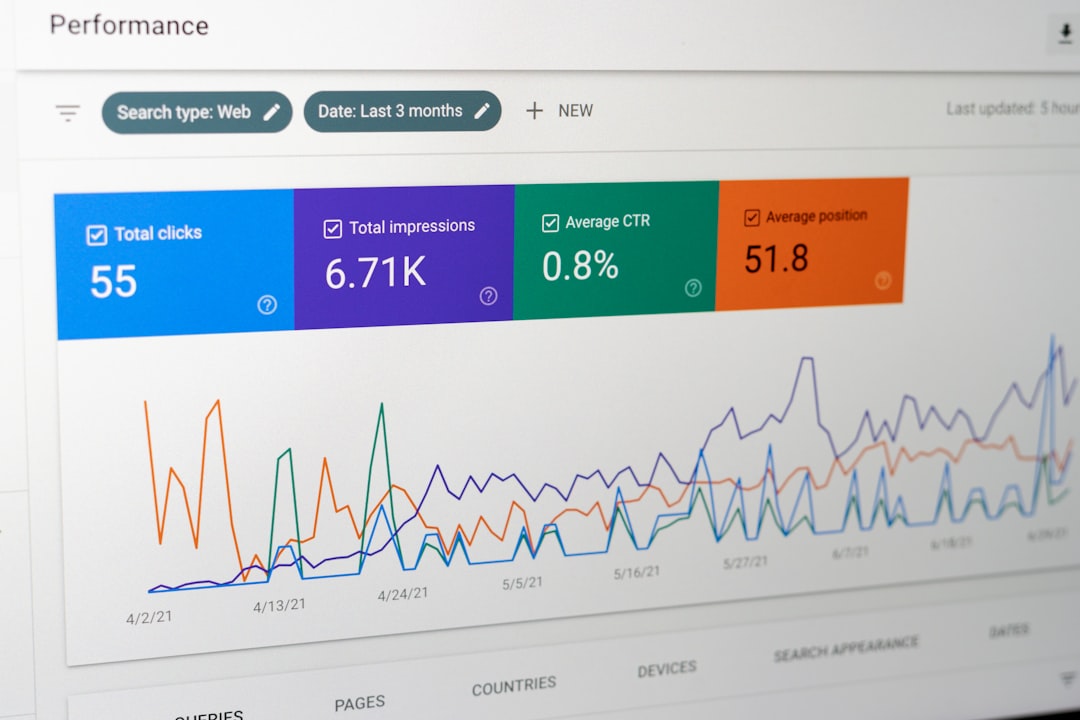
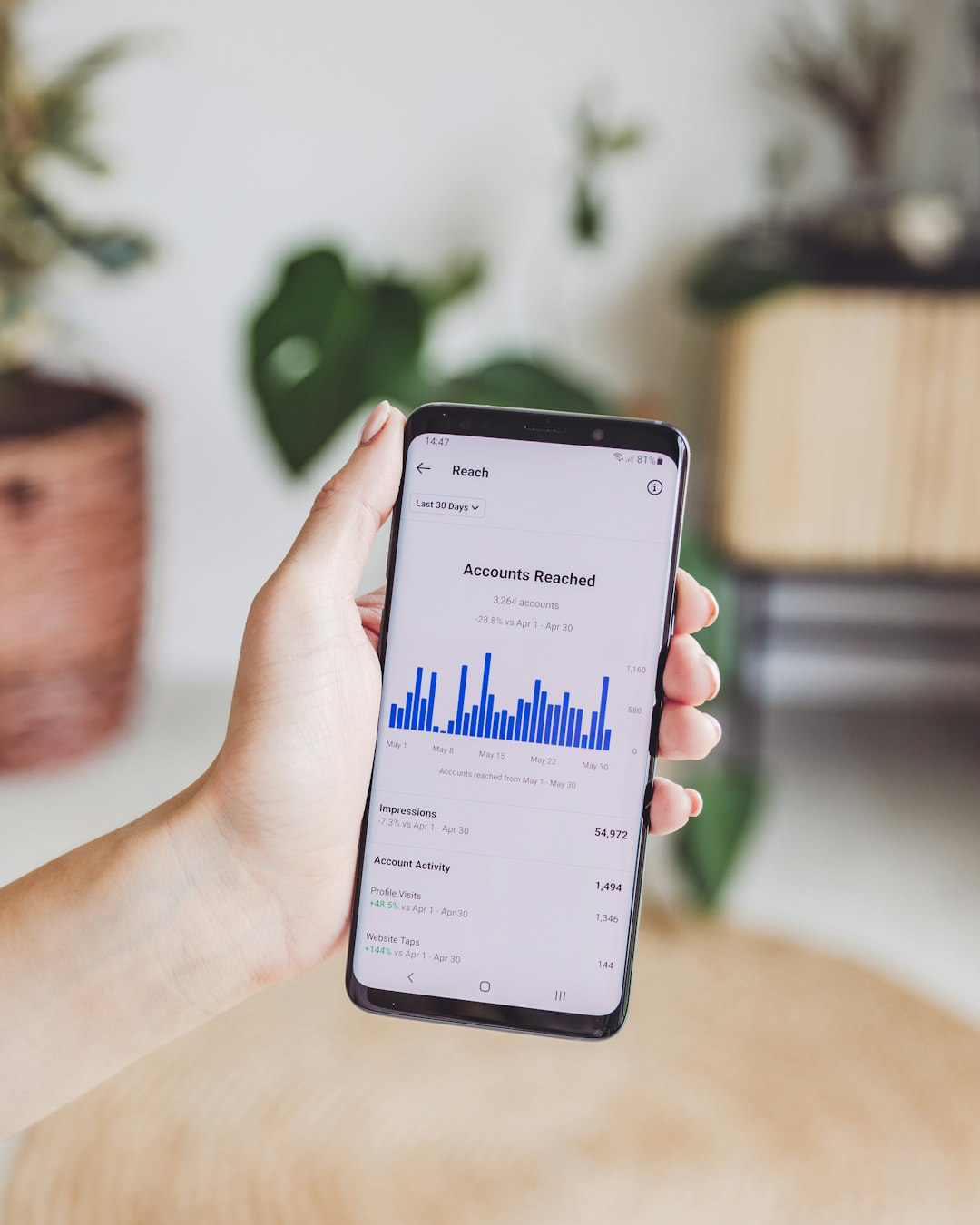
Metricool has become a favorite among social media managers who need more than a posting calendar. It combines scheduling, analytics, competitor monitoring, hashtag tracking, and reporting in a browser-based dashboard that works smoothly on Mac.
For Instagram, Metricool helps teams understand what content is working, when audiences are active, and how performance changes over time. It is particularly valuable for agencies that need client reports, as well as businesses that want data without building spreadsheets manually.
- Pros: strong reporting, multi-platform support, useful analytics.
- Cons: may feel data-heavy for casual Instagram users.
6. Planoly
Best for: Instagram-first visual planning and ecommerce content.
Planoly is another strong choice for Mac users who want a visual-first Instagram planning experience. It allows creators and brands to map out posts, organize media, prepare captions, and preview the overall look of a profile. For businesses with product launches, seasonal campaigns, or influencer collaborations, this kind of visual planning can reduce last-minute content stress.
Planoly is especially useful for fashion, beauty, interior design, wellness, and ecommerce brands. Its planning style encourages users to think about Instagram as a visual storefront rather than a random posting channel.
7. Canva
Best for: designing Instagram posts, Stories, carousels, and ads.
Although Canva is not only an Instagram management tool, it is one of the most useful Instagram apps for Mac users. It runs in a browser and also offers desktop options, making it easy to create professional-looking posts without complex design software.
Canva’s templates are useful for carousels, Reels covers, Stories, highlights, ads, and promotional graphics. Teams can create brand kits with fonts, colors, and logos, helping every Instagram post stay consistent. For small businesses without a full design department, this can be a major advantage.
In 2026, Canva remains one of the easiest ways for non-designers to produce polished Instagram visuals on a Mac.
8. Adobe Express
Best for: quick branded graphics and content variations.
Adobe Express is a strong alternative for Mac users who want fast social graphics, simple video assets, and brand-safe templates. It works well for creators already using Adobe tools, and it provides a more beginner-friendly experience than advanced apps like Photoshop or Premiere Pro.
For Instagram, Adobe Express can be used to build promotional posts, resize assets, animate text, create Story graphics, and prepare branded content quickly. It is a practical choice for marketers who need attractive visuals without launching a full design workflow.
9. Adobe Lightroom
Best for: photographers, travel creators, and polished photo feeds.
Lightroom is one of the most valuable Instagram apps for Mac users who care about image quality. It offers professional photo editing, presets, batch adjustments, color grading, and cloud syncing between Mac and mobile devices. This makes it easy to edit on a large Mac screen and later publish from a phone or scheduling tool.
Photographers, food bloggers, real estate professionals, and lifestyle creators can use Lightroom to maintain a consistent visual identity. Its non-destructive editing also means original images remain safe while multiple Instagram-ready versions are created.
10. CapCut
Best for: Reels, short-form video, captions, and trend-based edits.
Reels remain central to Instagram growth in 2026, and CapCut is one of the most accessible video editing tools for Mac users. It offers templates, effects, transitions, subtitles, background removal, music tools, and export settings suited for vertical video.
CapCut is particularly useful for creators who need to edit quickly while still producing content that feels modern. Brands use it for tutorials, product videos, behind-the-scenes clips, event recaps, and influencer-style content. While professional editors may prefer Final Cut Pro or Premiere Pro, CapCut is often faster for social-first videos.
11. Final Cut Pro
Best for: advanced Reel production and professional video workflows.
Final Cut Pro remains a powerful choice for Mac users who produce high-quality Instagram video content. It benefits from Apple Silicon performance, smooth timeline editing, excellent color tools, and strong media organization. For creators producing interviews, campaigns, mini-documentaries, or cinematic Reels, Final Cut Pro offers more control than lightweight editors.
It may be more than casual users need, but professional creators and agencies can justify the investment. When paired with Compressor, Motion, or professional audio tools, it becomes a full production environment for Instagram and beyond.
How Mac Users Should Choose the Right Instagram App
The best choice depends on the user’s goals. A casual creator may only need Instagram on the web, Canva, and CapCut. A small business may prefer Meta Business Suite, Later, and Lightroom. An agency may build a workflow around Metricool, Buffer, Adobe tools, and advanced approval systems.
Before choosing an app, Mac users should consider:
- Account safety: tools should use official integrations whenever possible.
- Content type: photo-heavy accounts need editing tools, while video-heavy accounts need Reel editors.
- Team size: agencies need approvals, permissions, and reports.
- Budget: free tools may be enough for beginners, while paid tools save time at scale.
- Workflow: the best app is the one that fits naturally into daily Mac usage.
Recommended Instagram App Stacks for Mac Users
For casual creators: Instagram Web App, Canva, CapCut, and Lightroom Mobile syncing.
For small businesses: Meta Business Suite, Later, Canva, and Adobe Express.
For agencies: Metricool, Buffer or Later, Adobe Creative Cloud tools, and Final Cut Pro.
For photographers: Lightroom, Instagram Web App, Planoly, and Canva for promotional graphics.
Final Thoughts
The best Instagram apps for Mac users in 2026 are not limited to one perfect tool. Instead, most successful users combine a management platform, a design tool, a photo editor, and a video editor. Instagram’s own web app and Meta Business Suite provide a reliable starting point, while Later, Buffer, Metricool, and Planoly add planning and analytics power.
For creative work, Canva, Adobe Express, Lightroom, CapCut, and Final Cut Pro help Mac users produce stronger content before it ever reaches Instagram. The smartest approach is to build a workflow that is safe, efficient, and realistic for the account’s goals.
FAQ
What is the best Instagram app for Mac users in 2026?
The best overall option depends on the use case. Instagram on the web is best for basic access, Meta Business Suite is best for official business management, and Later or Metricool are better for scheduling and analytics.
Can Instagram be used as a Mac app?
Instagram can be used through a browser, and on supported macOS versions it can be saved as a web app for easier Dock access. This creates an app-like experience, although it is still based on Instagram’s web platform.
Are third-party Instagram apps safe?
Third-party tools are safest when they use official Meta integrations. Mac users should avoid apps that ask for suspicious login methods, promise follower automation, or violate Instagram’s platform rules.
What is the best Mac app for Instagram Reels?
CapCut is one of the best easy options for Reels, while Final Cut Pro is better for advanced video production. Adobe Premiere Pro is also useful for professional teams.
What is the best tool for scheduling Instagram posts on Mac?
Later, Buffer, Planoly, and Metricool are all strong scheduling choices. Later and Planoly are more visual, Buffer is simpler, and Metricool is stronger for reporting.
Do Mac users still need a phone for Instagram?
In many cases, Mac users can manage posts, messages, comments, and analytics from desktop tools. However, a phone may still be useful for capturing content, testing mobile layout, using certain Instagram-native features, and publishing content types that require mobile access.