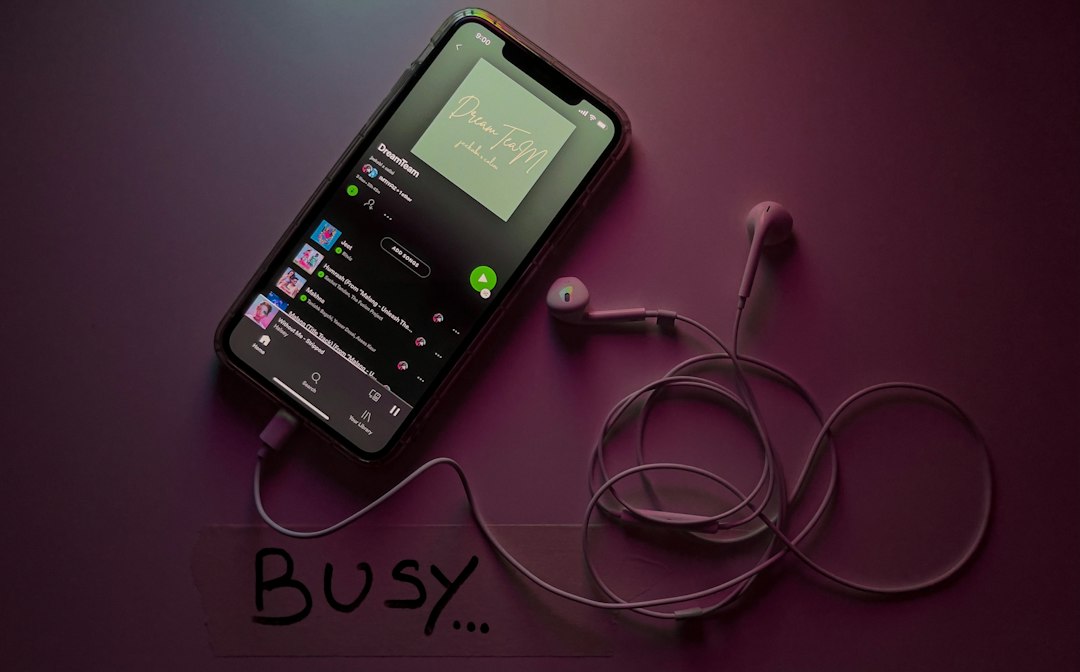
Neutron Music Player is the strongest overall pick if you want an app like USB Audio Player Pro but with deeper sound controls and serious playback options. UAPP is still a favorite because it can use its own USB audio driver and play hi res files through external DACs instead of relying only on Android’s normal audio path [source: eXtream Software Development]. Still, it is not the only option. We picked four apps that are worth trying if sound quality matters more than flashy design.
TLDR: The best alternatives to USB Audio Player Pro are Neutron Music Player, HiBy Music, Onkyo HF Player, and Poweramp. For example, if you keep a 256 GB microSD card full of FLAC files, Neutron and HiBy are the safest choices for local playback and DAC use. In our view, Neutron is best for control, HiBy is best for portable DAC owners, Onkyo is best for simple hi res listening, and Poweramp is best for day to day music use. Expect to spend about 10 to 20 minutes setting them up properly if you care about bit depth, gain, EQ, and folder structure.
How We Chose These Apps
We focused on apps that make sense for people who care about lossless audio, external DACs, local files, and clean playback. This is not a list of casual streaming apps. These picks are for people with FLAC, WAV, DSD, ALAC, or high bitrate MP3 libraries.
We also looked at practical habits. Can you find your music fast? Does the app handle large folders without choking? Are the EQ tools useful or just decorative? Does the app feel stable after a week, not just after five minutes?
- Best overall: Neutron Music Player
- Best for USB DAC users: HiBy Music
- Best simple hi res player: Onkyo HF Player
- Best everyday player: Poweramp
1. Neutron Music Player
Neutron Music Player is the most serious app on this list. It is built for people who want control over playback, not people who want a pretty home screen. The app supports a wide range of audio formats and includes tools such as parametric EQ, crossfeed, replay gain, normalization, and advanced output settings.
The sound is clean and detailed. Bass feels tight. Vocals sit forward without turning harsh. If you use wired headphones or a USB DAC, Neutron gives you enough settings to tune the output with care.
The weak point is the interface. Honestly, it feels like the app was designed by audio engineers who ran out of patience before working on the menus. Some options are buried several taps deep. Still, once set up, it is reliable and very powerful.
- Best for: advanced users and large local music libraries
- Strength: deep audio processing and precise EQ
- Weakness: dated interface and a learning curve
2. HiBy Music
HiBy Music is a strong pick if you use portable DACs, digital audio players, or balanced wired gear. It supports many lossless formats and works well with HiBy hardware, but it is also useful on regular Android phones.
The app has a cleaner design than Neutron. It reads folders well, handles album art nicely, and gives you useful sound tools without making every screen feel like a lab panel. Its MSEB sound adjustment system is easier to understand than a normal EQ. Instead of only changing frequencies, you can adjust traits like warmth, note thickness, and vocal position.
It drives me crazy that some settings need a few extra taps to reach. On a daily commute, those five seconds feel longer than they should. Still, HiBy is one of the closest UAPP style choices for people using external audio gear.
- Best for: USB DAC users and portable hi fi setups
- Strength: good format support and practical sound tools
- Weakness: some features feel hidden in submenus
3. Onkyo HF Player
Onkyo HF Player is a neat choice for people who want high quality playback without too much setup. It is less intense than Neutron and less gear focused than HiBy. That can be a good thing.
The app supports hi res playback and has a clean EQ section. The interface is plain, but easy to understand. If you want to load albums, choose a track, and listen without checking ten output settings, Onkyo HF Player makes sense.
It is not the most modern app here. Library handling can feel slower with a very large collection. If your phone has 30,000 tracks, expect some waiting. But for smaller curated libraries, it is calm and dependable.
- Best for: listeners who want hi res playback with less fuss
- Strength: simple design and sensible EQ
- Weakness: not ideal for huge libraries
4. Poweramp
Poweramp is not a direct UAPP clone, but it deserves a place here. It is one of the best everyday Android music players. It handles local files well, scans libraries fast, and offers a polished interface that most people can use right away.
The audio engine is strong, and the EQ is excellent for regular listening. Poweramp also supports gapless playback, replay gain, crossfade, and many file types. It may not satisfy users who bought a phone mainly to feed a high end USB DAC, but it works beautifully for normal wired and wireless listening.
Its biggest strength is speed. Search feels fast. Folder browsing feels snappy. Editing tags and playlists is less painful than on many serious audio apps.
- Best for: daily listening and fast library control
- Strength: polished interface and strong EQ
- Weakness: less focused on bit perfect USB DAC playback
Which One Should You Pick?
If you want the closest serious alternative to USB Audio Player Pro, choose Neutron Music Player. It gives you the most control and rewards careful setup. If you care most about USB DAC use and portable hi fi gear, choose HiBy Music.
Pick Onkyo HF Player if you want a simpler hi res player that does not ask you to study every menu. Pick Poweramp if you want the best mix of sound quality, speed, and comfort for daily use.
No single app beats UAPP at everything. That is the annoying part. But these four cover most real needs: serious sound control, DAC friendly playback, simple hi res listening, and smooth everyday music use. For most people, the best move is to test two apps with the same five albums, using the same headphones, at matched volume. Your ears will make the final call faster than any spec sheet.