A teaser photo is a carefully designed image that reveals just enough to spark curiosity without giving away the full story. In marketing, it functions as a visual invitation: a glimpse of a product, event, campaign, announcement, or experience that encourages audiences to pay attention and wait for more. When planned well, a teaser photo can create anticipation, increase engagement, and support a stronger campaign launch.
TLDR: A teaser photo is a strategic visual that builds curiosity before a full reveal. It is commonly used for product launches, events, promotions, rebrands, and social media campaigns. The most effective teaser photos use strong composition, limited information, emotional cues, and clear brand consistency. Designers should focus on mystery, simplicity, and audience expectations while avoiding confusion or overpromising.
What Is a Teaser Photo?
A teaser photo is a marketing image designed to hint at something rather than explain it completely. It may show a shadowed product, a cropped detail, a blurred background, a mysterious object, or a short line of text. The goal is not to provide every detail immediately. Instead, the image should encourage viewers to ask questions such as, “What is coming?” “When will it launch?” or “What does this mean?”
Unlike a standard promotional image, which often includes direct information, a teaser photo relies on suspense and selective visual storytelling. It gives the audience a reason to return for the reveal. This makes it especially useful in digital marketing, where attention is limited and curiosity can drive comments, shares, saves, and clicks.
Why Teaser Photos Work in Marketing
Teaser photos are effective because people are naturally drawn to incomplete information. When viewers see something visually interesting but not fully explained, they often want to close the gap in their understanding. This psychological effect can be powerful in marketing because it transforms passive viewers into active participants.
From a branding perspective, teaser images can also make campaigns feel more premium and intentional. Instead of simply announcing a product or event, a brand can create a sense of occasion. A well-designed teaser suggests that something important is coming, which can increase perceived value before the full announcement is even made.

Common Marketing Uses for Teaser Photos
Teaser photos can be used across many industries, from fashion and technology to food, entertainment, education, and real estate. Their flexibility makes them useful for both large campaigns and small business promotions.
- Product launches: A brand may show a close-up of a new product’s texture, shape, packaging, or silhouette before revealing the full item.
- Event announcements: A venue, speaker, concert, workshop, or festival can be teased with atmospheric visuals before tickets or details are released.
- Seasonal campaigns: Holiday collections, limited editions, and special offers can be introduced through themed images that suggest mood and timing.
- Rebrands: A company may tease a new logo, color palette, packaging style, or visual identity with partial design elements.
- Content releases: Podcasts, films, books, courses, and video series can use teaser photos to introduce characters, themes, or key ideas.
- Store openings: Businesses can show behind-the-scenes construction, interior details, or signage before the grand opening.
Key Elements of a Strong Teaser Photo
A strong teaser photo balances intrigue with clarity. It should be mysterious, but not meaningless. The audience should understand that there is something to anticipate, even if the details remain hidden. This balance is created through composition, lighting, color, text, and timing.
Composition is one of the most important elements. Cropping can be used to hide part of the subject while highlighting a recognizable detail. For example, a sneaker brand might reveal only the sole pattern, while a restaurant might show a close-up of steam rising from a dish. The viewer receives a clue, but not the full answer.
Lighting can also create anticipation. Shadows, silhouettes, reflections, and backlighting can make a simple object feel dramatic. However, the image should still be visually attractive. If the photo is too dark or too unclear, the audience may ignore it rather than investigate further.
Color should support the campaign mood. Deep colors can create luxury and mystery, bright colors can suggest excitement, and soft tones can create elegance or calm. When teaser photos are part of a larger campaign, the color palette should remain consistent across all posts, ads, and landing pages.
How Text Should Be Used in a Teaser Photo
Text in a teaser photo should usually be brief. A teaser does not need long explanations, detailed features, or multiple calls to action. Short phrases such as “Coming Soon,” “The Wait Begins,” “Something New Arrives Friday,” or “Guess What’s Next?” can be enough.
The typography should match the brand personality. A luxury brand may use refined serif lettering, while a tech startup may choose clean geometric type. A children’s brand might use playful, rounded fonts. Whatever style is chosen, readability must remain a priority, especially because teaser photos are often viewed on small mobile screens.
Designers should also consider whether text is necessary at all. In some cases, a purely visual teaser may be more powerful. If the brand audience is already engaged, a mysterious image without text can generate speculation and conversation.
Design Tips for Creating Better Teaser Photos
Effective teaser photo design requires planning. A random close-up or vague image is rarely enough. The visual should connect to the final reveal and support the campaign message.
- Start with the reveal in mind: The teaser should make sense once the full announcement is released. If the clue feels unrelated, the audience may feel misled.
- Use controlled mystery: The image should hide some information but still provide enough context to feel intentional.
- Keep the layout simple: Too many elements can reduce suspense and make the image feel cluttered.
- Create a visual focal point: A shadow, object detail, hand gesture, texture, or line of text can guide the viewer’s attention.
- Maintain brand consistency: Colors, fonts, tone, and photography style should align with the brand’s established identity.
- Design for the platform: A teaser for Instagram Stories, email headers, website banners, and paid ads may require different dimensions and formatting.

Teaser Photos for Social Media
Social media is one of the most popular places to use teaser photos because platforms reward engagement. A teaser can invite followers to comment with guesses, share predictions, or save a post for later. This can build momentum before a launch and help the algorithm recognize that the content is interesting.
For social media, teaser photos should be visually understandable within seconds. Viewers scroll quickly, so the image needs a strong hook. This might be an unusual crop, a striking color combination, a dramatic shadow, or a bold text overlay. Captions can add another layer of intrigue by asking a question or giving a countdown.
Stories and short-form content can also extend the effect. A brand may post a sequence of teaser photos over several days, revealing a new clue each time. This creates a campaign rhythm and gives the audience a reason to keep watching.
Teaser Photos in Email Marketing
In email marketing, teaser photos can increase curiosity and click-through rates. A subject line may hint at an upcoming offer, while the email image provides a stylish visual clue. Since email audiences have already shown some interest in the brand, teaser photos can be especially effective when paired with early access, waitlists, or exclusive previews.
An email teaser should load quickly, display well on mobile devices, and work even if the image is initially blocked. For this reason, marketers often pair the image with concise supporting text. The message should make the next action clear, such as signing up for a launch notification or returning on a specific date.
Teaser Photos for Product Launches
Product launch teasers benefit from detail-focused photography. Instead of showing the entire product, the brand may reveal a material, button, ingredient, pattern, label, or feature. This approach works well for products with strong visual identity, such as cosmetics, clothing, electronics, furniture, food, and accessories.
The teaser campaign can be planned in stages. The first image might establish mood, the second might show a detail, the third might include a date, and the final post may reveal the full product. This gradual reveal keeps the audience engaged and gives the campaign more opportunities to appear in feeds and inboxes.
Common Mistakes to Avoid
One common mistake is making the teaser too vague. If viewers cannot understand that something is being announced, the image may feel like a random abstract post. Another mistake is revealing too much too soon. If the full product or event is obvious in the first teaser, there is little reason for audiences to follow the campaign.
Brands should also avoid overhyping something that does not match the level of suspense created. A dramatic teaser for a minor update can disappoint viewers. The promise created by the image should be proportional to the significance of the reveal.
Another issue is inconsistency. If each teaser photo looks unrelated to the others, the campaign may feel disconnected. A consistent visual system helps audiences recognize that the posts belong to the same story.
How to Measure Teaser Photo Performance
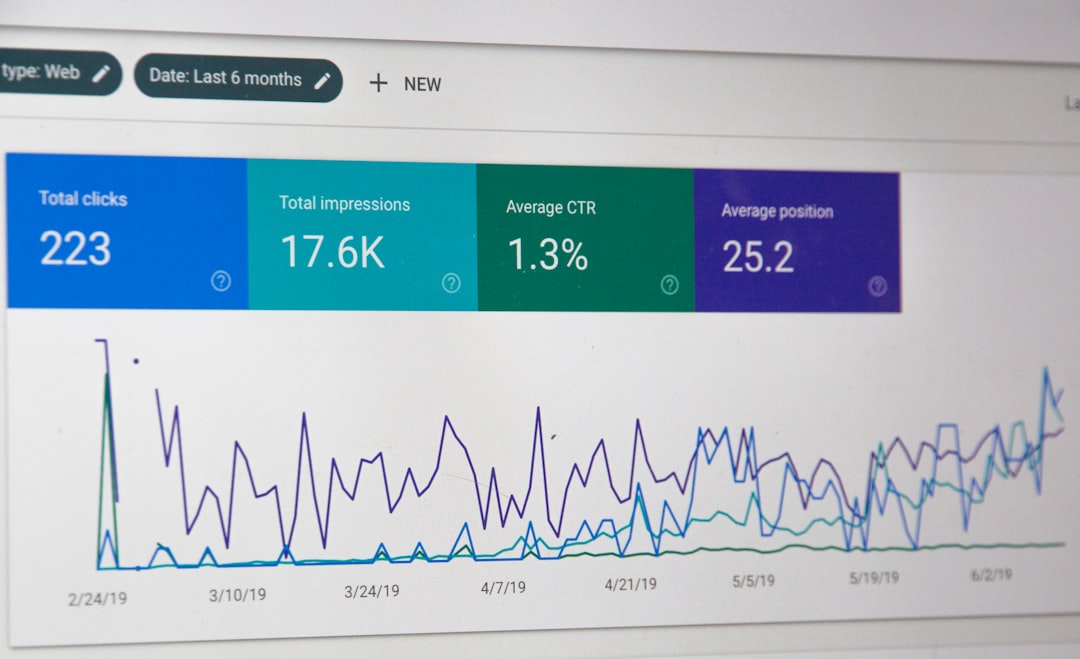
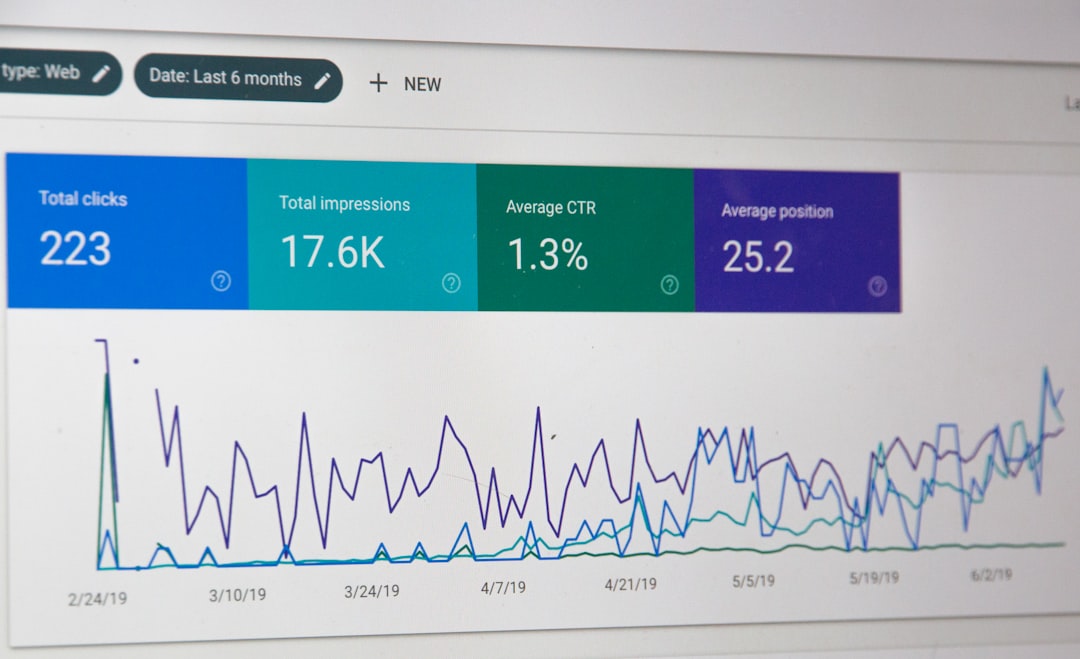
Teaser photos should be evaluated like any other marketing asset. Useful metrics may include impressions, engagement rate, comments, shares, saves, click-through rate, email sign-ups, waitlist registrations, and launch-day conversions. Qualitative responses are also important. If followers are guessing, asking questions, or tagging friends, the teaser is likely creating curiosity.
Marketers should compare teaser performance with the final reveal. A teaser campaign is successful when it builds meaningful attention that carries into the main announcement. If the teaser receives attention but the reveal underperforms, the campaign may have attracted curiosity without communicating enough value.
Best Practices for Different Brand Styles
Different brands should approach teaser photos in different ways. A luxury brand may benefit from minimalism, elegant lighting, and restrained messaging. A youth-focused brand may use bold colors, playful copy, and interactive captions. A technology company might emphasize sleek surfaces, futuristic lighting, and precise typography.
For service-based businesses, teaser photos can still work even when there is no physical product. A consultant, studio, educator, or agency may tease a new program, location, collaboration, or resource. In these cases, symbolic imagery can be useful, such as notebooks, workspaces, mood boards, hands in action, or abstract visuals that represent transformation.
Final Thoughts
A teaser photo is more than a decorative image. It is a strategic marketing tool that uses visual restraint to create anticipation. When the image is thoughtfully composed, emotionally engaging, and connected to a clear campaign plan, it can help generate attention before a major announcement.
The best teaser photos do not simply hide information. They guide curiosity. They make audiences feel that something valuable is coming and that paying attention will be worth it. For brands that want to build excitement, test audience interest, or make launches feel more memorable, teaser photography remains a simple but highly effective technique.
FAQ
What is the purpose of a teaser photo?
The purpose of a teaser photo is to create curiosity before a full announcement or reveal. It gives the audience a visual hint while encouraging them to wait for more information.
Where can teaser photos be used?
Teaser photos can be used on social media, websites, email campaigns, digital ads, event pages, landing pages, and in-store displays.
How much information should a teaser photo reveal?
A teaser photo should reveal enough to feel intentional but not so much that the surprise is lost. The best approach is to show a clue, mood, detail, or date without explaining everything.
Should a teaser photo include text?
It can include text, but the text should be short and easy to read. Phrases like “Coming Soon” or “Launching Friday” are often more effective than long descriptions.
What makes a teaser photo successful?
A successful teaser photo attracts attention, supports the brand identity, creates anticipation, and leads the audience toward a meaningful reveal or action.