“Editer” usually means “editor,” but people use it in a few video-related ways. It can mean the person cutting a video. It can mean the software used to cut it. It can even mean a small tool inside a bigger app. If someone says, “Open the editer,” they most likely mean, “Open the video editor.”
TLDR: Editer is often a misspelling or casual version of editor. In video work, it can mean a person, an app, or a tool that changes clips. For example, a YouTuber with 12 raw clips may use an editer to cut a 40 minute recording into an 8 minute video. In small teams, one editor may handle 70% of the post work, from cutting to captions.
What Does “Editer” Mean?
The word editer is not the standard English spelling. The correct word is editor. Still, people type “editer” all the time. Search bars accept it. Clients write it in emails. App menus sometimes translate it oddly.
So, if you see video editer, read it as video editor. Simple.
In video editing, “editer” can point to three things:
- A person who edits video.
- Software used to edit video.
- A feature inside an app, like a trim tool or caption editor.
That is why the word can feel a bit messy. One person may say, “My editer crashed.” They mean software. Another says, “We need a better editer.” They mean a human editor. Context saves the day.

The Human Editer: The Person Behind the Cut
A video editor shapes raw footage into a finished story. They remove dead air. They fix timing. They choose the best takes. They add music, titles, sound effects, graphics, and color fixes.
A good editor does not just push buttons. They make choices. Big ones.
They ask:
- What should the viewer feel?
- Where does the video slow down?
- Which shot explains the idea fastest?
- Does the joke land?
- Is the audio annoying?
That last one matters more than people think. Bad audio ruins good footage. It drives me crazy when a clip looks perfect, but the mic sounds like it was hiding in a sock.
For social media, the editor may also format videos for many platforms. A wide YouTube video becomes a vertical short. A 60 second ad becomes a 15 second cut. Captions get burned in. Hooks get moved to the front.
The Software Editer: The App You Use
When most beginners say “editer,” they mean the app. This could be beginner software, mobile apps, or full professional editing programs.
Popular editing tools usually include:
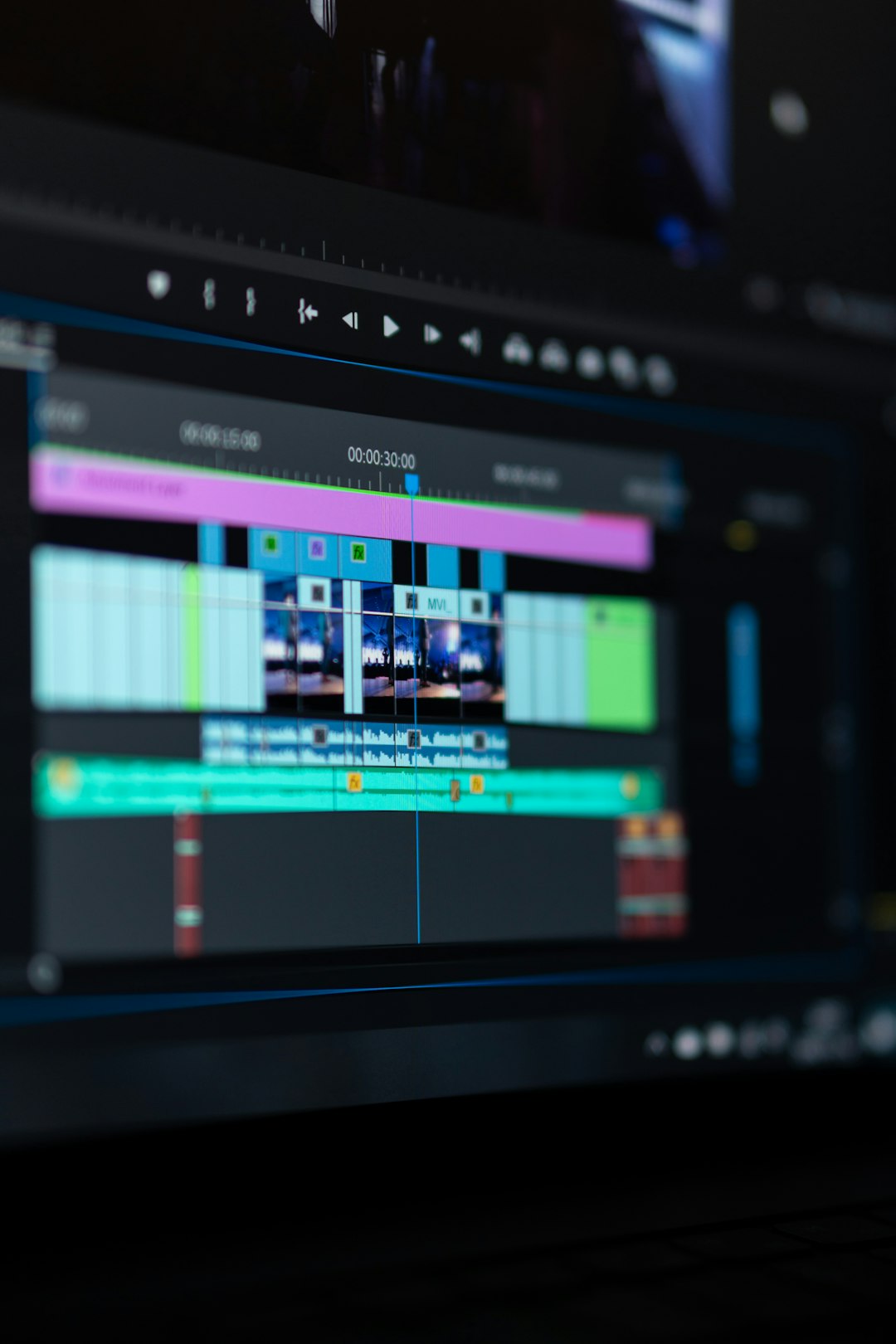
- A timeline where clips are arranged.
- A media bin where files are stored.
- A preview window to watch the edit.
- Cutting tools for trimming clips.
- Audio controls for volume and sound cleanup.
- Text tools for titles and captions.
- Export settings for saving the final video.
Beginner tools keep things simple. You drag in clips. You trim the boring parts. You add music. You export.
Professional tools add more power. They support color grading, proxy files, multi camera edits, sound mixing, visual effects, and team review. Great stuff. Also, expect to waste time on tiny setup choices. One wrong export setting can add 10 minutes to a render for no good reason.
Basic Editing Terms Made Simple
Video editing has a lot of words. Some sound fancy. Most are not.
- Clip: A piece of video or audio.
- Timeline: The workspace where your video is built.
- Trim: Cutting the start or end of a clip.
- Cut: A switch from one clip to another.
- Transition: A visual change between clips.
- B roll: Extra footage that supports the main shot.
- Color correction: Fixing color and brightness.
- Color grading: creating a style or mood with color.
- Render: Processing the edit so it can play or export.
- Export: Saving the final video file.
Learn these first. You will understand most editing chats.
What a Professional Post Production Workflow Looks Like
Professional post production is more than cutting clips. It is a process. It keeps big projects sane.
A common workflow looks like this:
- Ingest: Copy all footage from cameras and cards.
- Backup: Save copies in at least two places.
- Organize: Sort files by date, scene, camera, or project part.
- Sync: Match audio with video if recorded separately.
- Rough cut: Build the first full version.
- Fine cut: Tighten timing and story.
- Picture lock: Stop changing the main edit.
- Sound mix: Clean voices, music, and effects.
- Color: Fix and style the image.
- Graphics: Add titles, logos, and motion elements.
- Review: Get feedback and fix issues.
- Export: Create final versions for each platform.
That may sound like a lot. It is. But it prevents chaos. Nobody wants a file called final final real final v9 use this one maybe.mp4. We have all seen it. We have suffered.
Why Organization Matters So Much
Editing gets ugly fast when files are a mess. A 30 second ad may have 80 assets. A wedding video may have 600 clips. A documentary may have thousands.
Good editors name things clearly. They use folders. They label music, voice, graphics, and footage. They also save project versions.
A simple project folder can look like this:
- 01 Footage
- 02 Audio
- 03 Music
- 04 Graphics
- 05 Project Files
- 06 Exports
This is not glamorous. It is useful. It can save hours.
Editing Tools for Beginners
If you are new, start with simple goals. Do not try every button. Cut a short video first. Add clean audio. Add one title. Export it.
Look for an editer that offers:
- Easy trimming
- Auto captions
- Music and sound controls
- Ready export sizes
- Fast preview playback
- Undo that actually works
That last one is not a joke. Bad undo behavior is evil. Click once, lose a title, hit undo, and suddenly three clips move. Great. Now your afternoon is gone.
What Professional Editors Care About
Pros care about speed, control, and reliability. They need software that can handle large files. They need clean audio tools. They need stable color tools. They need exports that match client specs.
They also care about collaboration. Many teams use shared notes, review links, time coded comments, and version tracking. A producer may leave a note like, “At 01:12, tighten pause.” The editor fixes it without guessing.
On larger projects, tasks may be split:
- Assistant editor: Organizes media and syncs audio.
- Editor: Builds the story.
- Sound designer: Handles sound effects and mix.
- Colorist: polishes the look.
- Motion designer: Creates animated graphics.
Common Mistakes New Editors Make
Beginners often cut too slowly. They keep every pause. They use loud music. They add wild transitions. They trust auto color too much. They forget captions.
Keep it clean. Most videos need fewer effects, not more. A sharp cut often beats a spinning transition.
Try this simple rule: if an effect does not help the viewer, remove it.
How to Think Like an Editor
An editor thinks about attention. Every second must earn its place.
Ask these questions while editing:
- Can this start faster?
- Can this line be shorter?
- Can a visual explain this better?
- Is the music helping or fighting the voice?
- Will a viewer keep watching?
This mindset works for YouTube, TikTok, training videos, ads, courses, and films. The tools change. The goal stays the same. Make the video clear. Make it watchable. Make it feel finished.
Final Takeaway
Editer usually means editor. In video work, it can mean the person, the software, or a tool inside the software. The best editors do more than cut. They shape time, sound, story, and feeling.
Start simple. Learn the timeline. Keep files tidy. Fix the audio. Cut the boring parts. Your video will already be better than most.