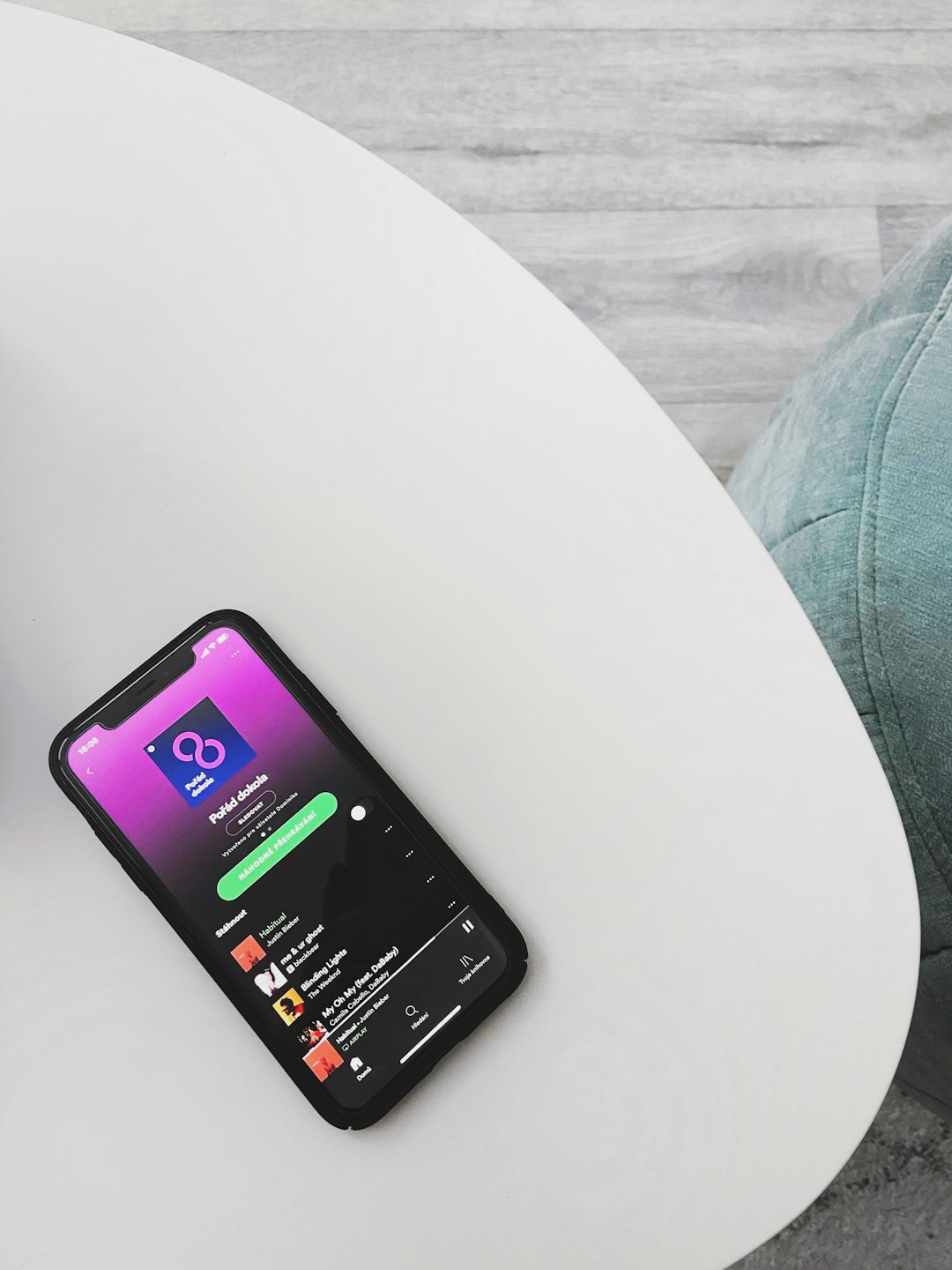
Spotify is the best Soniva Music alternative for most offline listeners, because it is easy, polished, and works well on trips, commutes, and bad Wi Fi days. Spotify Premium lets you download up to 10,000 tracks on each of up to 5 devices [source: Spotify].
TLDR: Pick Spotify if you want the safest all round choice. Pick Apple Music if you use an iPhone. Pick Audiomack if you want more free offline options. For example, if your daily train ride is 40 minutes, downloading one 60 song playlist can cover a full work week with zero mobile data panic.
1. Spotify
Best for: almost everyone.
Spotify is the big, friendly giant. It has tons of songs. It also has podcasts, playlists, mixes, and smart suggestions. If Soniva Music feels simple and light, Spotify may feel bigger. Maybe too big at first. But it gets easy fast.
Offline mode is simple. Save an album, playlist, or podcast. Tap download. Done. Your music is ready when your signal gives up.
- Pros: huge library, great playlists, strong offline mode.
- Cons: offline downloads need Premium.
- Fun pick: download a road trip playlist before leaving town.
Honestly, it feels like Spotify knows your mood before you do. That is cool. Also a little spooky.
2. Apple Music
Best for: iPhone users and Apple fans.
Apple Music is smooth if you already live with an iPhone, iPad, Mac, or Apple Watch. It fits right into the Music app. No extra weird setup. No messy menus. Just songs, albums, and playlists.
You can add songs to your library and download them for offline listening. This is handy for flights, subway rides, and camping trips where the internet is basically a rumor.
- Pros: clean design, strong sound quality, great with Apple devices.
- Cons: not as fun on Android.
- Fun pick: make a “No Signal, No Problem” playlist.
The catch is that Apple Music works best when you stay inside Apple’s world. If you jump between many device brands, it can feel less cozy.
3. YouTube Music
Best for: people who love music videos, remixes, and live versions.
YouTube Music is great because it has the weird stuff. That one live cover from 2012? It may be there. That slowed version from a fan channel? Maybe. That random remix your friend keeps talking about? Very likely.
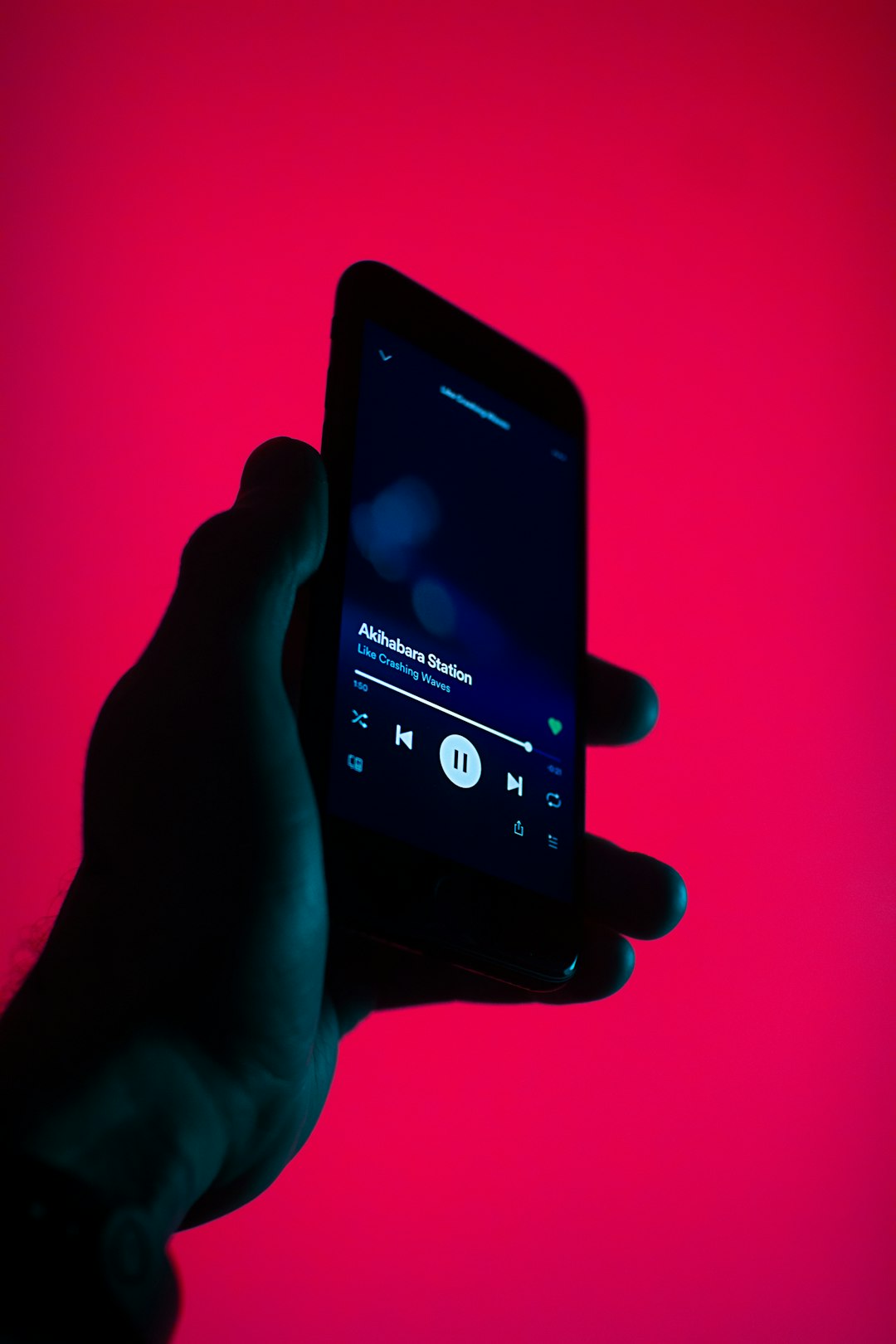
Offline downloads are available with YouTube Music Premium. You can save songs, albums, playlists, and some videos. There is also a smart downloads feature. It can save music based on what you like.
- Pros: huge mix of official songs and rare versions.
- Cons: needs Premium for offline use.
- Fun pick: download live sets before a long bus ride.
It drives me crazy that some tracks are videos pretending to be songs. Still, the rare finds make up for it.
4. Deezer
Best for: people who want a clean app with fresh music picks.
Deezer is a nice middle ground. It is not as loud as Spotify. It is not as tied to one device brand as Apple Music. It feels neat. Simple. Friendly.
Its offline mode works with paid plans. You can download playlists, albums, and favorites. Deezer also has Flow, which is a personal mix that keeps playing music based on your taste.
- Pros: easy layout, good music discovery, solid offline listening.
- Cons: smaller buzz than Spotify in some places.
- Fun pick: use Flow while cleaning your room.
Deezer is a good pick if you want an app that does not shout at you. It just plays music and behaves.
5. Audiomack
Best for: free offline listening and new artists.
Audiomack is the wild card. It is great for hip hop, Afrobeats, dancehall, electronic music, and rising artists. It has a lot of free music. Some tracks and playlists can be saved offline without paying, depending on rights and location.
This makes Audiomack feel close to what many people like about Soniva Music. It is quick. It is direct. It is less fancy. Sometimes that is perfect.
- Pros: free offline options, strong indie and street music scenes.
- Cons: not every major album is there.
- Fun pick: find artists before they become famous.
Quick Buying Guide
Here is the simple version. No headache needed.
- Want the safest pick? Choose Spotify.
- Use iPhone every day? Choose Apple Music.
- Love remixes and live clips? Choose YouTube Music.
- Want a calm app? Choose Deezer.
- Want free offline music? Try Audiomack.
Final Pick
If I had to choose one, I would pick Spotify. It has the best mix of music, playlists, podcasts, and offline tools. It also feels familiar after five minutes.
But if you want something lighter, try Audiomack. If you are deep in Apple gear, pick Apple Music. The best app is the one you will actually use before your signal dies.