For service businesses, the difference between a smooth day and a chaotic one often comes down to visibility. Knowing where technicians are, which jobs are delayed, what customers need, and how much work is actually profitable can transform daily operations. Fieldly is built around that idea: giving field service teams one connected platform for planning, execution, communication, and improvement.
TLDR: Fieldly helps field service companies manage jobs, teams, data, and processes through dashboards, reporting, a mobile app, and workflow automation. For example, a plumbing company with 25 technicians could use Fieldly to reduce missed job updates by 40% by moving from phone calls and spreadsheets to real-time mobile reporting. Managers get a clearer view of performance, while technicians receive job details, checklists, and customer information directly in the field. The result is faster coordination, fewer manual admin tasks, and better decision-making.
Centralized Dashboards for Operational Clarity
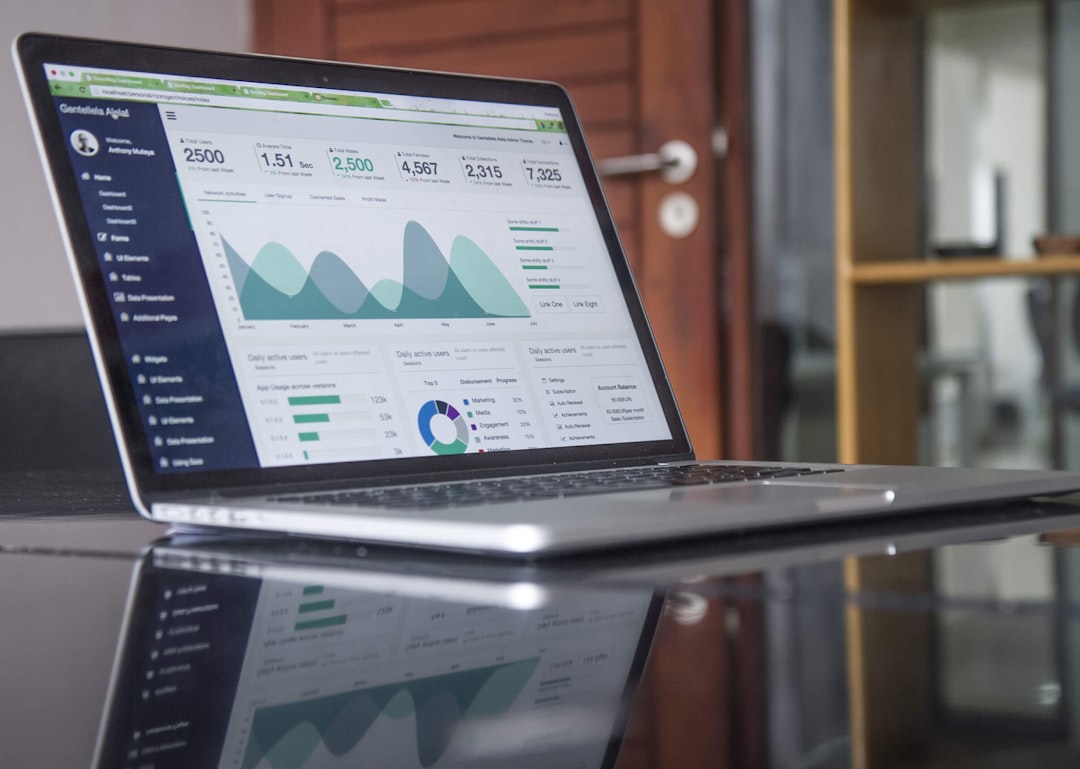
One of Fieldly’s most valuable features is its dashboard environment. Instead of forcing managers to search through emails, spreadsheets, calendars, and paper notes, dashboards bring essential operational data into one place. This is especially useful for businesses that handle many jobs per day across multiple locations.
A well-designed dashboard helps answer practical questions quickly: How many jobs are scheduled today? Which technicians are currently active? Are any assignments overdue? Which customers are waiting for follow-up? With Fieldly, this information can be presented in a visual and accessible way, making it easier for office staff and managers to prioritize work.
Dashboards are not only about monitoring activity; they also support better decision-making. A service manager can review workload distribution and notice if one technician has too many assignments while another has available capacity. Dispatch teams can respond to urgent changes faster, such as a customer cancellation or an emergency repair request.
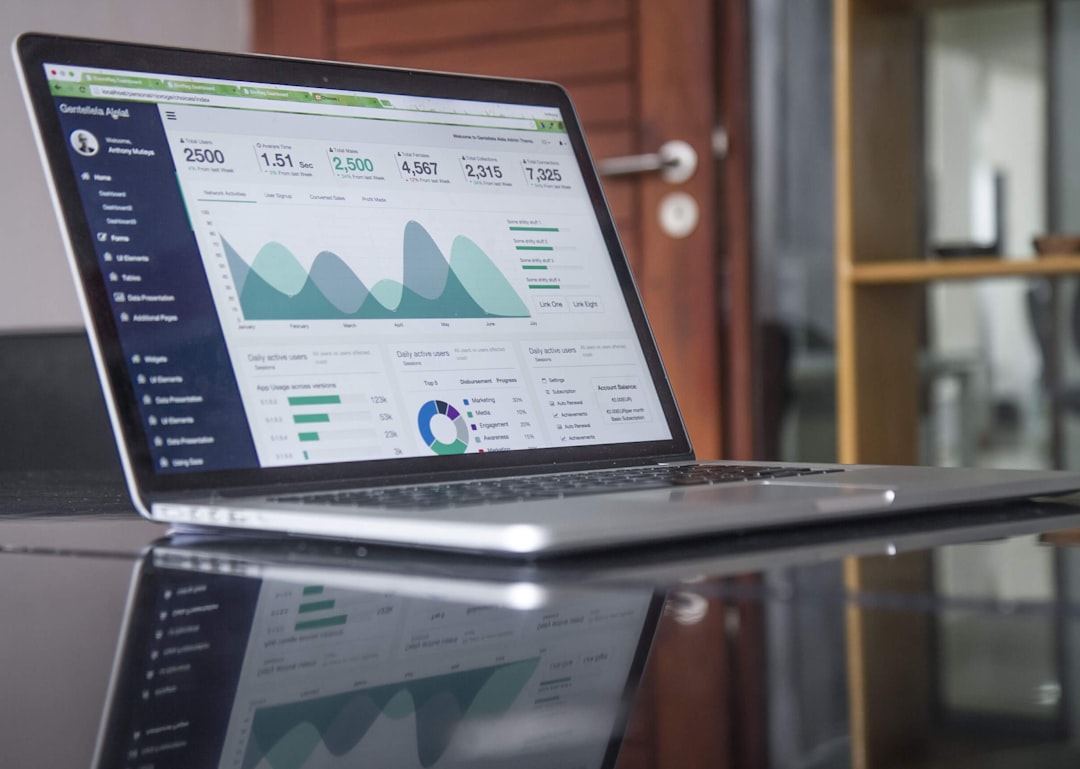
Some of the most useful dashboard elements for field service teams include:
- Job status summaries showing scheduled, completed, delayed, and canceled tasks.
- Team availability views that help dispatchers match the right technician to the right job.
- Customer activity panels for reviewing service history and pending requests.
- Performance indicators such as completion rates, response times, and open work orders.
- Alerts and notifications for issues that need immediate attention.
For growing companies, this visibility becomes increasingly important. What works for a five-person team may not work for a 50-person operation. Fieldly’s dashboards help businesses scale without losing control of everyday details.
Reporting That Turns Field Data into Business Insight
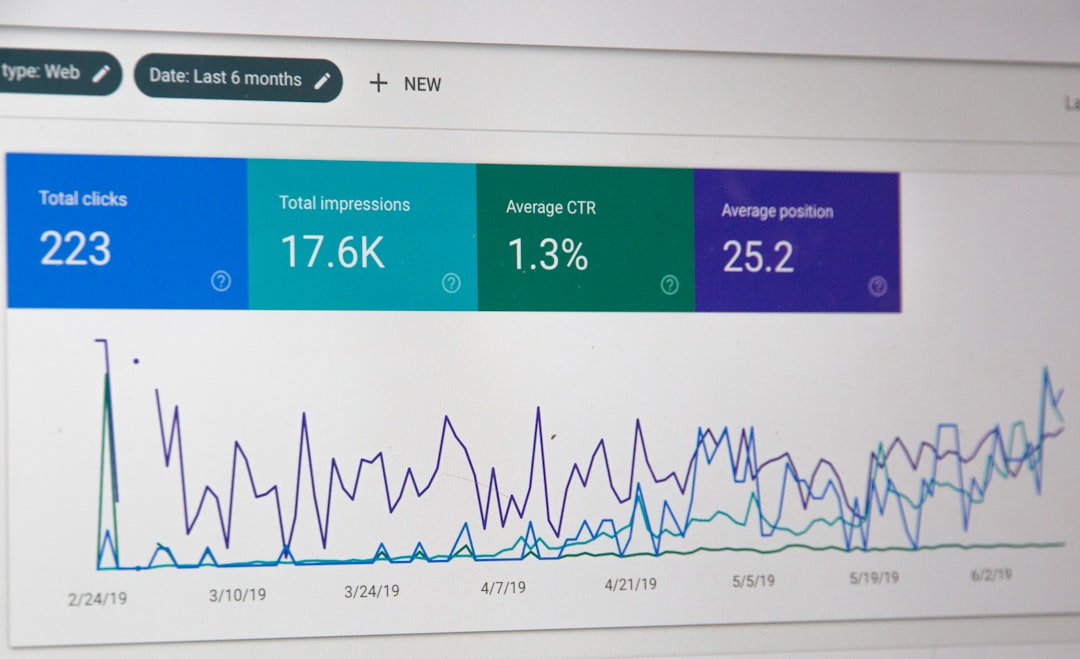
Field service companies generate a huge amount of useful data. Every job, quote, invoice, customer interaction, technician update, and completion note can reveal something about how the business is performing. The challenge is making that data easy to understand and act on. This is where Fieldly’s reporting features become especially valuable.
Reporting can help managers track both operational and financial performance. For example, a company might discover that emergency callouts generate higher revenue but also create scheduling pressure. Another business might find that certain job types consistently take 20% longer than estimated, leading to inaccurate pricing or overloaded technicians.
Fieldly reporting can support analysis in areas such as:
- Job profitability: Compare labor hours, material use, travel time, and invoiced amounts.
- Technician performance: Review completion times, job volume, and customer feedback.
- Customer trends: Identify repeat customers, common service requests, and seasonal demand.
- Scheduling efficiency: Measure gaps, delays, and travel patterns.
- Quote and invoice tracking: Monitor accepted quotes, outstanding payments, and billing speed.
Reports are useful because they replace guesswork with evidence. A manager may believe that delays are caused by technician performance, while reports might show the real issue is poor job information at dispatch. Similarly, if revenue is increasing but profit margins are shrinking, reporting can reveal whether material costs, unbilled labor, or inefficient routing are contributing to the problem.
The best reporting tools do more than describe what happened; they help teams understand what to improve next. In Fieldly, reporting supports both daily management and long-term planning. Weekly reports can guide immediate staffing decisions, while quarterly reviews can help leaders plan hiring, pricing changes, or new service areas.
The Mobile App: Connecting Office and Field Teams
In field service, the mobile experience is critical. Technicians are rarely sitting at a desk, and they need quick access to accurate information while on the move. Fieldly’s mobile app helps bridge the gap between office coordination and field execution.
Through the app, technicians can receive job assignments, review customer details, access service notes, update job status, add photos, collect signatures, and submit completion information. This reduces the need for constant phone calls and helps ensure that everyone is working from the same information.
Consider a common situation: a technician arrives at a property and discovers that the issue is different from what was originally reported. Without a mobile system, they may call the office, take handwritten notes, and send photos later. With Fieldly, they can update the job record immediately, attach images, add comments, and notify the office in real time. That faster information flow helps dispatchers, managers, and billing teams respond more accurately.
The mobile app also improves the customer experience. When technicians have access to service history, equipment details, and previous notes, they appear better prepared and more professional. Customers do not have to repeat the same information multiple times, and job documentation is less likely to be lost.
Important mobile app benefits include:
- Real-time updates from technicians in the field.
- Digital forms and checklists that standardize job completion.
- Photo documentation for proof of work, inspections, and before-and-after records.
- Customer signatures to confirm completed service.
- Reduced paperwork and fewer duplicate admin tasks.
For technicians, a good mobile app saves time and removes friction. For managers, it improves transparency. For customers, it often leads to faster answers and more reliable service.
Workflow Automation for Fewer Manual Tasks
Workflow automation is one of the strongest ways a field service business can increase efficiency. Many administrative tasks are repetitive: sending job confirmations, updating statuses, assigning follow-ups, generating invoices, or reminding teams about missing documentation. When handled manually, these tasks consume valuable time and create opportunities for mistakes.
Fieldly’s workflow automation helps businesses create more consistent processes. For example, when a job is marked as complete, the platform can trigger the next steps, such as notifying the office, preparing invoice details, or requesting customer feedback. If a technician forgets to attach required photos, an automated reminder can help catch the issue before the job is closed.
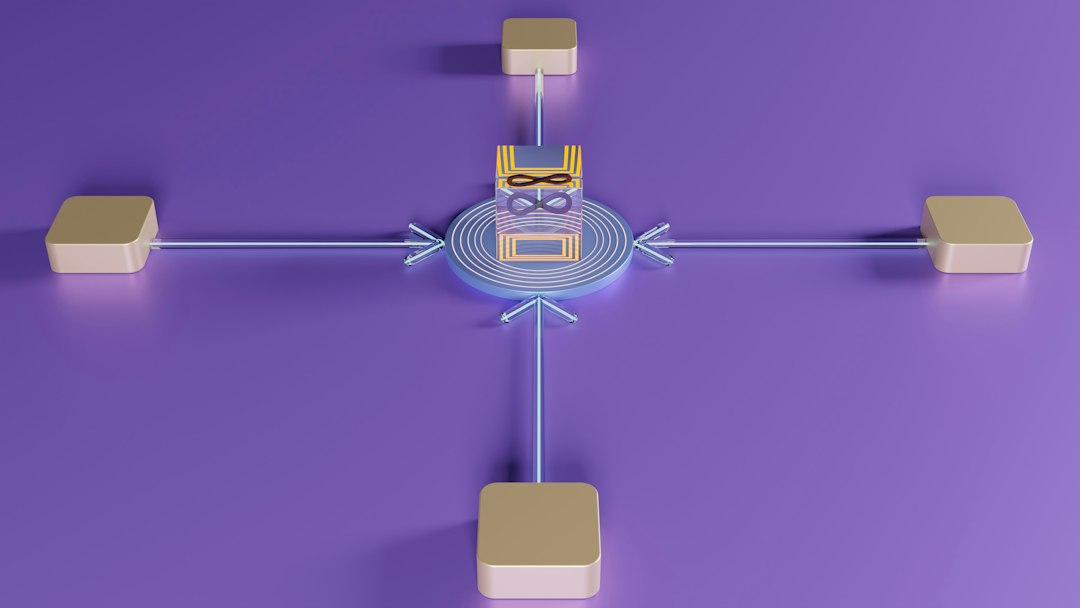
Useful automation examples include:
- Automatic job notifications sent to technicians or customers.
- Status-based triggers that move work from scheduled to in progress to completed.
- Follow-up reminders for quotes, inspections, or maintenance visits.
- Invoice preparation based on job completion data.
- Compliance checklists that ensure required steps are completed before closure.
Automation does not remove the human element from service work. Instead, it helps people focus on higher-value tasks. Dispatchers can spend less time chasing updates. Technicians can focus more on solving customer problems. Managers can trust that standard processes are being followed without personally monitoring every detail.
How These Features Work Together
The real strength of Fieldly is not found in any single feature, but in how the platform combines them. Dashboards provide a live overview, reporting explains performance trends, the mobile app captures field data, and workflow automation keeps processes moving. Together, these tools create a connected system for managing service operations from request to completion.
For example, a property maintenance company might receive a repair request, assign it through Fieldly, send the technician job details via the mobile app, collect photos and completion notes on-site, update the dashboard automatically, and include the job in monthly performance reports. Each step supports the next, reducing delays and improving accuracy.
This connected approach is especially useful for companies trying to grow. As teams expand, informal communication becomes harder to manage. Fieldly helps create structure without making operations feel overly complicated. Teams can standardize their processes while still responding flexibly to urgent customer needs.
Why Fieldly Matters for Modern Service Businesses
Customers increasingly expect fast communication, accurate scheduling, professional documentation, and transparent service. At the same time, field service companies face pressure to control costs, improve productivity, and retain skilled technicians. Platforms like Fieldly help meet these demands by giving teams better tools for coordination and analysis.
Dashboards help leaders see what is happening now. Reporting shows what is working and what needs improvement. The mobile app keeps field teams connected. Workflow automation reduces manual effort and supports consistency.
For any service business still relying heavily on spreadsheets, paper forms, and scattered communication, Fieldly offers a more organized way forward. It helps teams move from reactive problem-solving to proactive management, making daily operations smoother and long-term growth easier to plan.