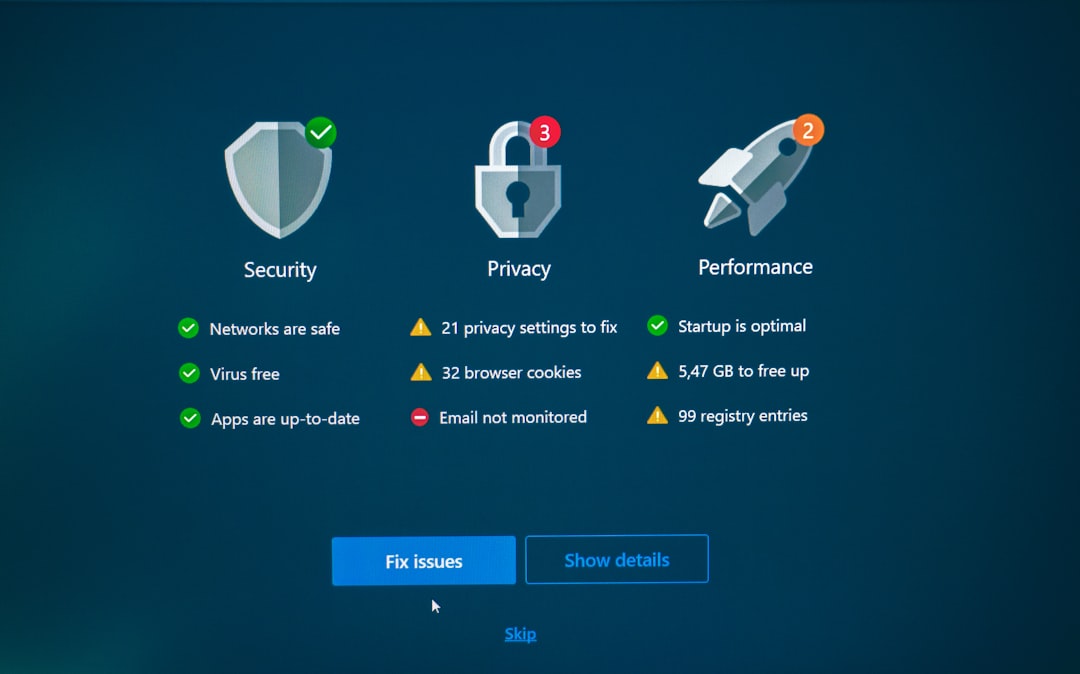
Running a WordPress website can feel simple at first: choose a theme, publish a few pages, add plugins, and you are online. But as your site grows, so does the list of tasks required to keep it fast, secure, updated, and useful. A WordPress management service takes over much of that ongoing maintenance, giving business owners, marketers, bloggers, and agencies more time to focus on work that directly creates value.
TLDR: A WordPress management service saves time by handling updates, backups, security, performance checks, troubleshooting, and routine site care for you. For example, a small business owner who spends 5 hours a week fixing plugin issues, checking backups, and updating content could reclaim more than 250 hours per year. If that time is redirected into sales, client work, or marketing, the service can quickly become more than just a convenience; it becomes a productivity tool.
Why WordPress Maintenance Takes More Time Than Expected
WordPress is popular because it is flexible, user friendly, and supported by thousands of themes and plugins. However, that flexibility comes with responsibility. Every plugin, theme, and core WordPress feature needs regular attention. Ignoring maintenance may not cause a problem today, but over time it can lead to slow pages, broken layouts, security risks, and unnecessary downtime.
Common website tasks include:
- Updating WordPress core to keep the platform stable and secure
- Updating plugins and themes without breaking important site features
- Monitoring security for malware, suspicious logins, and vulnerabilities
- Creating backups so the site can be restored after an error or attack
- Improving performance to keep pages loading quickly
- Fixing bugs caused by plugin conflicts or server changes
Each task may seem small, but together they create a steady stream of interruptions. A WordPress management service bundles these tasks into a regular process, reducing the number of technical decisions you have to make every week.

Updates Without the Guesswork
Updating a plugin sounds easy: click the button and move on. In reality, updates sometimes cause layout problems, checkout errors, form failures, or compatibility issues. If your website is important to your business, a broken update can cost more than just time; it can cost leads, sales, and trust.
A professional management service usually applies updates carefully, often after creating a backup or testing changes. Instead of wondering whether a plugin update will break your contact form, you can rely on a process designed to reduce risk. That means fewer emergency fixes and fewer moments spent searching online for answers like “Why did my WordPress site stop working after an update?”
Reliable Backups Save Hours During Emergencies
Backups are one of those things people often ignore until they urgently need them. If a site gets hacked, a plugin breaks the homepage, or someone accidentally deletes content, a recent backup can turn a disaster into a quick recovery.
Without a proper backup system, restoring a site can take hours or even days. You may need to contact your host, search for old files, rebuild pages manually, or hire a developer at short notice. A management service typically schedules automatic backups and confirms they are working. Some services also store backups off-site, which adds another layer of protection.
The time savings are especially clear during a crisis. Instead of losing a full afternoon trying to recover missing content, you can have the site restored from a clean backup much faster. For business owners, that means less downtime and less stress.
Security Monitoring Reduces Distractions
WordPress sites are common targets because of their popularity. Many attacks are automated, looking for outdated plugins, weak passwords, or poor configurations. You do not need to run a large company to become a target; even a small local site can attract unwanted traffic from bots.
A WordPress management service can help by monitoring suspicious activity, scanning for malware, hardening login pages, and responding to security warnings. This saves time in two ways: it reduces the chances of a security issue, and it limits the amount of time you spend worrying about technical threats you may not fully understand.
Prevention is almost always faster than cleanup. Removing malware, repairing files, and restoring search engine trust can be a long process. Routine security care keeps your attention where it belongs: on your audience and your business.
Better Performance Without Constant Tweaking
Speed matters. Visitors are impatient, and search engines pay attention to performance. A slow website can hurt user experience, reduce conversions, and make your brand look less professional. The problem is that performance optimization can become a rabbit hole. Caching, image compression, scripts, database cleanup, hosting settings, and content delivery networks all play a role.
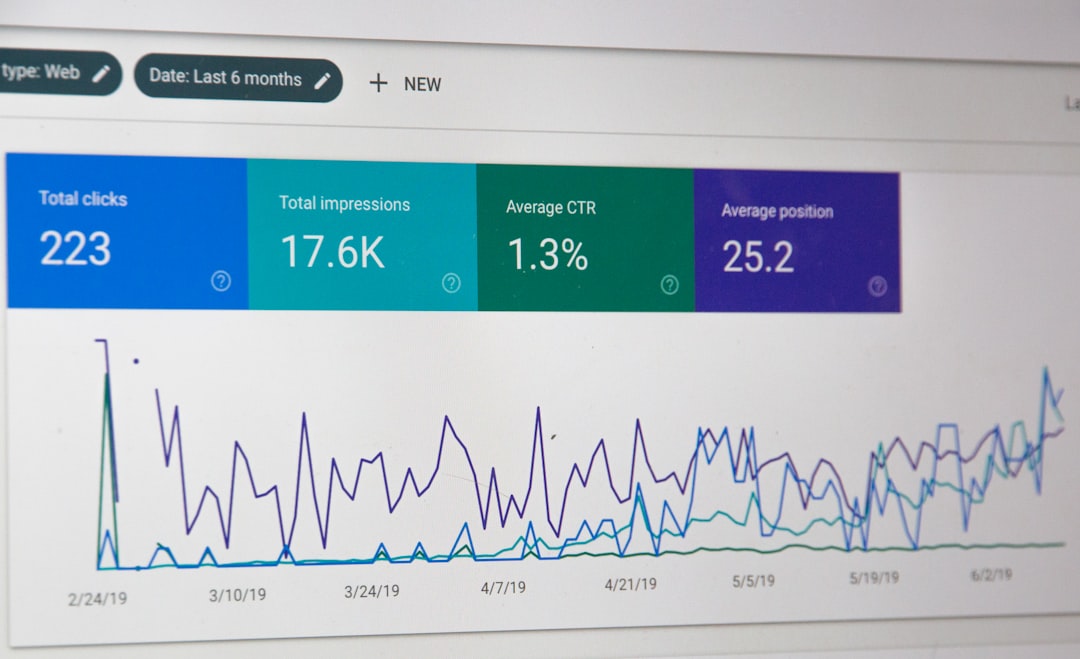
A management service can regularly check page speed, optimize images, clean unnecessary data, and recommend improvements. Instead of spending hours testing plugins and changing settings, you get practical maintenance from people who understand how WordPress performance works.
For example, if a service improves average page load time from 4.8 seconds to 2.3 seconds, that may lead to better engagement and fewer abandoned visits. Even small speed improvements can have a noticeable effect, especially for e-commerce stores, service websites, and sites that depend on lead generation.
Fewer Interruptions for Business Owners and Teams
One of the biggest hidden costs of website management is interruption. You sit down to work on a proposal, write a blog post, or follow up with a customer, and then you notice something wrong with your site. A plugin needs attention. A form is not sending messages. A page looks strange on mobile. Suddenly, your main work is delayed.
A WordPress management service acts as a technical buffer. Instead of stopping your day to investigate every issue, you can send it to your support team or know that proactive monitoring may catch it first. This creates more focused work time, which is often more valuable than the minutes saved on any single task.
Useful Support When Something Breaks
Even well-maintained websites occasionally have problems. The difference is how quickly those problems are handled. If you manage your site alone, you may need to diagnose the issue, search forums, contact plugin developers, or hire someone unfamiliar with your setup.
With a management service, you usually have access to people who already know WordPress and may already understand your website’s configuration. That can make support faster and more efficient. You do not have to explain every detail from the beginning each time something goes wrong.
What a WordPress Management Service May Include
Services vary, but many plans include a combination of technical maintenance, monitoring, and support. When comparing providers, look for features that match your actual needs rather than paying for extras you will never use.
- Core, plugin, and theme updates
- Daily or weekly backups
- Security scans and malware monitoring
- Uptime monitoring to detect outages quickly
- Performance optimization and speed recommendations
- Database cleanup and general site health checks
- Technical support for small fixes and troubleshooting
- Reports showing completed maintenance tasks

When Is It Worth Paying For?
A WordPress management service is especially useful if your website supports your income, captures leads, sells products, hosts bookings, or represents your professional brand. If downtime or errors create real consequences, professional maintenance is usually worth considering.
It is also valuable for people who simply do not enjoy technical maintenance. Not every business owner wants to learn how to troubleshoot PHP errors, configure caching, or investigate security logs. Delegating those tasks is not a weakness; it is a smart use of time.
Final Thoughts
A WordPress management service saves time by turning unpredictable website chores into a consistent, professional workflow. It helps prevent problems, speeds up recovery when issues happen, and removes technical distractions from your day. Whether you run a small business site, a growing blog, or an online store, the right service can give you back hours each month while keeping your website healthier and more reliable.
In the end, the real benefit is not just a better-maintained WordPress site. It is the freedom to spend more time on strategy, customers, content, sales, and the work you actually set out to do.