A 4K video has no fixed length because “4K” describes resolution, not duration. A 4K clip can be 10 seconds, 10 minutes, or 10 hours. What decides how long it can be is the bitrate, the codec, and the storage space available on your camera, phone, card, or drive.
TLDR: 4K means a video is roughly 3840 × 2160 pixels, but its running time depends on how much data is recorded per second. For example, a 128GB card can hold about 2 hours and 50 minutes of 4K video at 100 Mbps, but only around 43 minutes at 400 Mbps. If you record casual phone videos, storage lasts longer; if you shoot high quality camera footage, space disappears fast.
What Does 4K Actually Mean?
4K refers to resolution. Most consumer 4K video is 3840 pixels wide by 2160 pixels tall. That is also called Ultra HD or UHD. Cinema 4K is slightly wider, usually 4096 × 2160, but most phones, TVs, drones, and cameras use UHD.
Resolution affects sharpness and detail. It does not tell you how long the video is. A one-minute 4K video and a two-hour 4K movie can have the same resolution. They just contain very different amounts of data.

The Real Answer: Duration Depends on Bitrate
The key number is bitrate. Bitrate tells you how much video data is recorded every second. It is usually shown as Mbps, meaning megabits per second.
Higher bitrate usually means cleaner detail, fewer compression artifacts, and better results for color grading. It also means larger files. The catch is that camera menus often hide bitrate settings under vague labels like High Quality, Standard, or All Intra. That can make storage planning more annoying than it should be.
Here is the basic formula:
- File size in GB = bitrate in Mbps × seconds ÷ 8 ÷ 1000
- Recording time in seconds = storage in GB × 8 × 1000 ÷ bitrate in Mbps
So, if you record 4K at 100 Mbps, one minute uses about 750MB. One hour uses about 45GB. That is why 4K can eat through storage before you realize what happened.
Common 4K File Sizes
Different devices record 4K at different bitrates. A phone may use 40 to 100 Mbps. A mirrorless camera may use 100 to 400 Mbps. Professional formats can go much higher.
- 4K at 50 Mbps: about 22.5GB per hour
- 4K at 100 Mbps: about 45GB per hour
- 4K at 200 Mbps: about 90GB per hour
- 4K at 400 Mbps: about 180GB per hour
- 4K ProRes or RAW: can reach 300GB to over 1TB per hour
That is the part people often miss. Two 4K files can look similar on a small screen but have wildly different file sizes. One may be easy to upload. The other may choke your laptop, fill your card, and make your editing software pause for a few seconds every time you scrub the timeline. Honestly, it feels like the computer is judging your life choices.
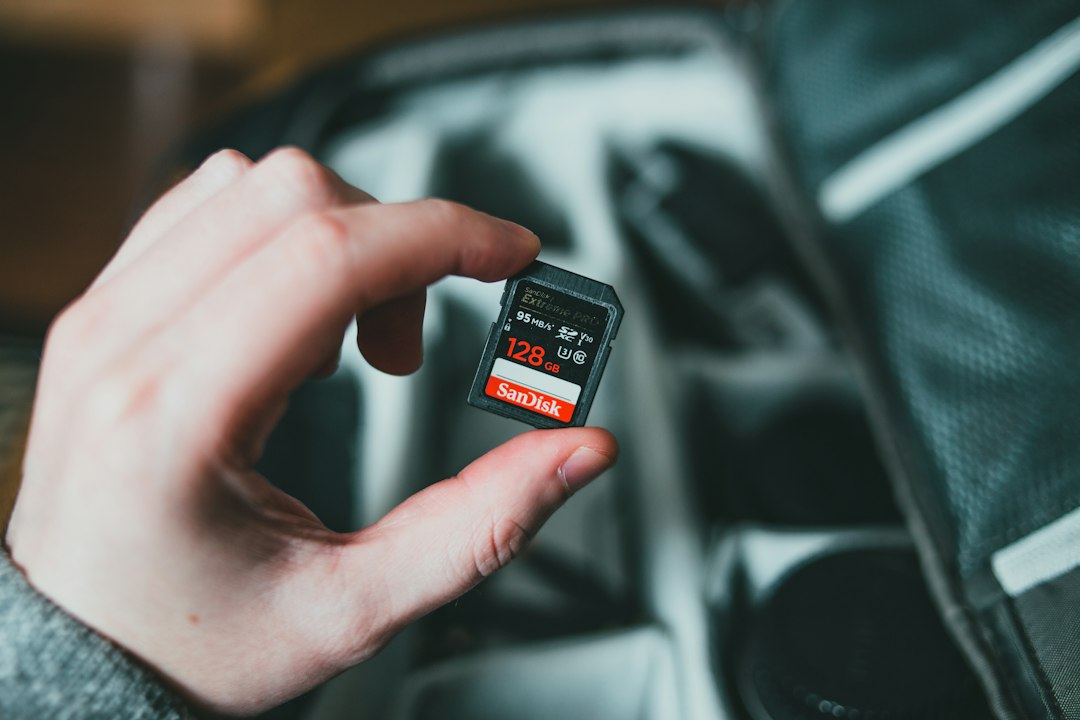
How Much 4K Can Fit on a Memory Card?
Here are practical estimates for common card sizes. These numbers assume the card’s usable space is close to its listed capacity, though real usable space is usually a bit lower.
- 64GB at 100 Mbps: about 1 hour 25 minutes
- 128GB at 100 Mbps: about 2 hours 50 minutes
- 256GB at 100 Mbps: about 5 hours 40 minutes
- 512GB at 100 Mbps: about 11 hours 20 minutes
At 400 Mbps, divide those times by four:
- 64GB: about 21 minutes
- 128GB: about 43 minutes
- 256GB: about 1 hour 25 minutes
- 512GB: about 2 hours 50 minutes
Why Codec Changes Everything
A codec is the compression method used to store video. It decides how efficiently the footage is squeezed into a file. The most common codecs are H.264, H.265, and ProRes.
- H.264: widely supported and easy to share, but not the most efficient.
- H.265: smaller files at similar quality, but harder for older computers to edit.
- ProRes: large files, very editing friendly, popular with filmmakers.
- RAW video: massive files with high editing control, mostly for serious production work.
For everyday use, H.265 4K at 60 to 100 Mbps gives a good balance between quality and size. For professional editing, ProRes may be worth the storage cost because it plays back more smoothly and holds up better during color work.
Frame Rate Also Affects Storage
Frame rate matters too. A 4K video at 60fps often uses more data than one at 24fps or 30fps. Some cameras keep the same bitrate, which can reduce image quality per frame. Others raise the bitrate, which increases file size.
Use 24fps for a cinematic feel. Use 30fps for general content. Use 60fps for sports, action, pets, events, or footage you may slow down later. If you shoot everything at 60fps “just in case,” expect to waste storage on clips that did not need it.
How Long Can a Phone Record 4K?
A phone’s 4K recording time depends on storage, battery, heat, and software limits. A 256GB phone may not have 256GB free. Apps, photos, downloads, and system files take space first.
As a rough example, if a phone records 4K at 60 Mbps, one hour uses about 27GB. If you have 100GB free, you can record about 3 hours and 40 minutes. The phone may stop sooner if it overheats or the battery drops too low.
This is common during concerts, weddings, travel days, and long interviews. A phone may be capable of 4K, but that does not mean it is built for all-day recording without breaks.
How Much Storage Do You Need for 4K Projects?
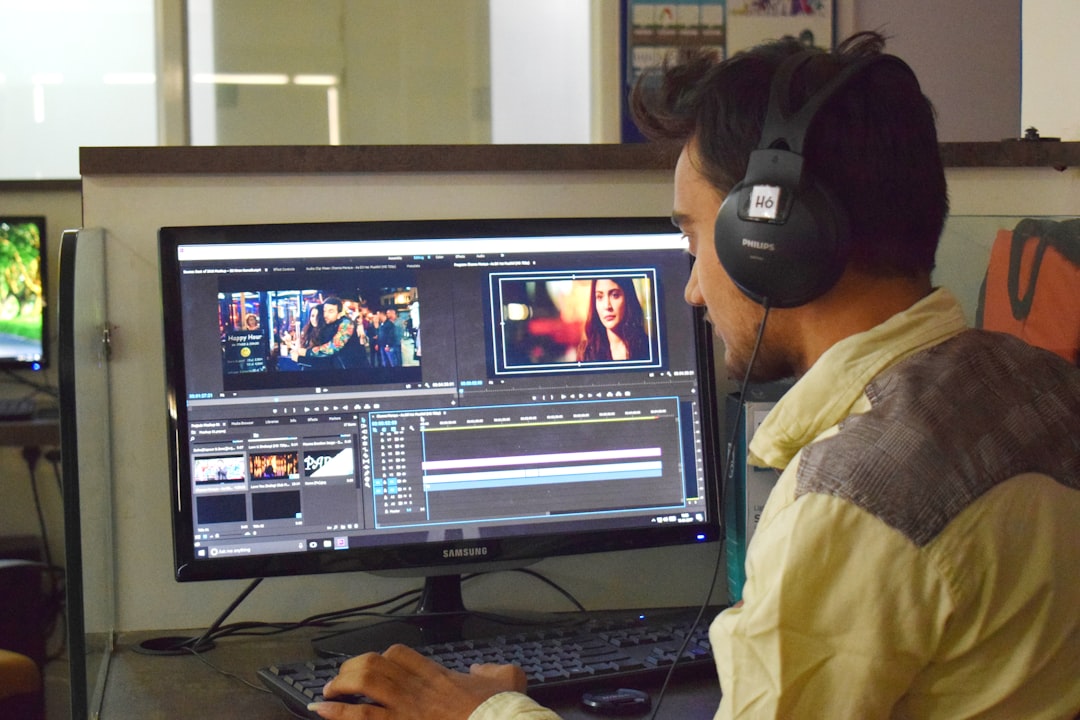
For simple clips, a few hundred gigabytes may be enough. For serious projects, plan much more. Editing creates extra files such as proxies, renders, cache data, audio files, thumbnails, exports, and backups.
- Short social videos: 100GB to 250GB may be enough.
- Travel vlog or event shoot: 500GB to 1TB is safer.
- Wedding or documentary project: 2TB to 4TB is common.
- Professional multi camera work: 4TB or more can disappear quickly.
Best Settings for Most People
If you want strong quality without huge files, record 4K using these general settings:
- Resolution: 3840 × 2160
- Frame rate: 30fps for general use, 60fps for action
- Bitrate: 60 to 150 Mbps for most casual and semi pro work
- Codec: H.265 for smaller files, H.264 for easier compatibility
- Storage: at least 128GB for short shoots, 256GB or more for longer days
So, how long is a 4K? The clean answer is: as long as your storage, bitrate, battery, and camera limit allow. If you know the bitrate, you can estimate recording time before you press record. That one number saves you from the classic 4K problem: a beautiful shot, a full card, and no patience left.