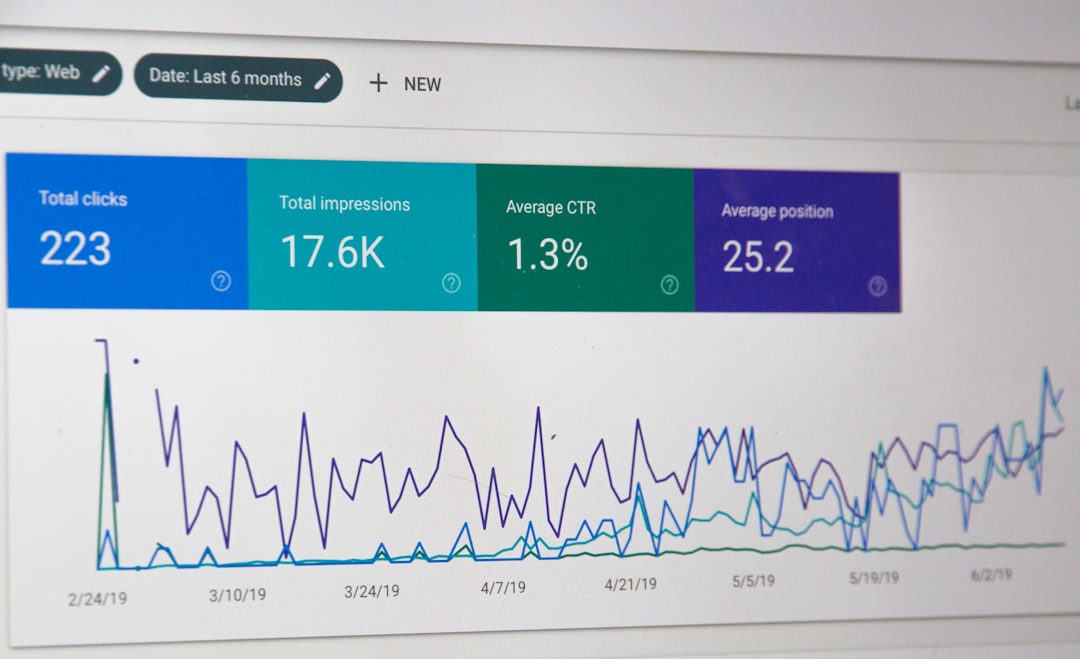
Reliable SEO reporting depends on more than collecting rankings, backlinks, and traffic estimates. It also depends on moving that data into a reporting environment where stakeholders can understand trends, compare performance, and make decisions without manually exporting spreadsheets every week. Connecting Ahrefs and Supermetrics helps solve that problem by turning Ahrefs data into repeatable, structured reports in tools such as Google Sheets, Looker Studio, Excel, or a data warehouse.
TL;DR: Connecting Ahrefs to Supermetrics allows you to automate SEO reporting instead of manually downloading exports from Ahrefs. The general process is to choose your reporting destination, add the Ahrefs connector in Supermetrics, authorize access, select the metrics and dimensions you need, and schedule refreshes. For best results, define your reporting goals first, keep dashboards focused, and validate the data before sharing it with clients or leadership.
Why connect Ahrefs and Supermetrics?
Ahrefs is widely used for SEO research, backlink analysis, keyword tracking, competitor monitoring, and content planning. Its interface is excellent for investigation, but reporting often requires data to be combined with additional sources such as Google Search Console, Google Analytics, advertising platforms, CRM data, or internal revenue numbers. That is where Supermetrics becomes useful.
Supermetrics acts as a data pipeline between marketing platforms and reporting destinations. Instead of copying and pasting exports from Ahrefs, you can pull SEO data directly into a spreadsheet, dashboard, or database. This makes reporting more consistent, reduces manual errors, and gives teams more time to focus on analysis rather than data preparation.
The main benefits include:
- Automation: Reports can refresh on a schedule, reducing repetitive manual work.
- Consistency: The same metrics, filters, and date ranges can be reused across reporting cycles.
- Better visibility: Ahrefs data can be combined with traffic, conversion, and revenue data.
- Scalability: Agencies and in-house teams can create repeatable templates for multiple websites.
- Cleaner reporting: Stakeholders can view summarized insights without navigating complex SEO tools.

What you need before you start
Before connecting Ahrefs and Supermetrics, confirm that your accounts and permissions are ready. This prevents setup issues and ensures the reports you build are based on the right level of access.
- An active Ahrefs account: You need access to the Ahrefs projects, domains, or reports you want to use.
- A Supermetrics account: Your plan must include the destination you want, such as Google Sheets, Looker Studio, Excel, or BigQuery.
- Connector availability: Check whether the Ahrefs connector is included in your Supermetrics plan and available in your region or destination.
- Proper permissions: Use an account that is authorized to access the Ahrefs data needed for reporting.
- A reporting objective: Decide whether the report is for backlinks, rankings, competitor analysis, technical SEO, content performance, or executive summaries.
Important: API access, connector features, and metric availability may vary by Ahrefs and Supermetrics plan. Before committing to a reporting workflow, review both platforms’ documentation and test the exact fields you need.
Step 1: Choose your reporting destination
The first decision is where the Ahrefs data should go. Supermetrics supports several destinations, and the best choice depends on how your team reports and analyzes data.
Google Sheets is often the easiest place to start. It is flexible, familiar, and useful for building custom tables, calculations, and quick reporting templates. It is especially helpful for agencies that need to review raw data before turning it into client-facing reports.
Looker Studio is better for visual dashboards. If your goal is to present trends, scorecards, charts, and performance summaries to non-technical stakeholders, Looker Studio is usually the more polished option.
Excel may be the right choice for organizations that rely heavily on Microsoft workflows. BigQuery or another data warehouse is more suitable for advanced teams that want to store large volumes of historical SEO data and combine it with many other sources.
Step 2: Add the Ahrefs connector in Supermetrics
Once you have selected a destination, open Supermetrics in that environment. The exact interface may differ slightly depending on whether you are using Google Sheets, Looker Studio, Excel, or another destination, but the core process is similar.
- Open your chosen reporting tool and launch Supermetrics.
- Select Add data source or Create new query.
- Search for Ahrefs in the list of available connectors.
- Select the Ahrefs connector.
- Follow the authorization prompts to connect your Ahrefs account.
During authorization, use the Ahrefs login associated with the projects or domains you need to report on. If you are setting up reporting for an agency, avoid using a personal account that may later be removed or lose access. A shared business-controlled login or properly managed user account is usually more reliable.
Step 3: Select the right metrics and dimensions
After authorization, Supermetrics will allow you to configure a query. This is where you define what data you want from Ahrefs. Metrics are the numbers you want to report, while dimensions describe how those numbers should be grouped.
Common Ahrefs-related reporting fields may include backlink counts, referring domains, organic keywords, estimated traffic, keyword positions, domain-level metrics, URL-level metrics, or competitor comparison data. Availability depends on the connector and plan.
Examples of useful reporting combinations include:
- Backlink monitoring: referring domains, backlinks, lost backlinks, new backlinks, target URL.
- Keyword visibility: keyword, position, search volume, URL, country, estimated traffic.
- Competitor tracking: domain, organic keywords, traffic estimate, content gap opportunities.
- Content reporting: page URL, ranking keywords, backlinks, referring domains, traffic potential.
Be selective. A common mistake is pulling every available field into a report. This often creates slow dashboards and unclear analysis. Start with the metrics that directly support the reporting question: Are we gaining authority? Are rankings improving? Which pages are attracting links? Which competitors are growing faster?
Step 4: Apply filters and date ranges
Filters make your report more focused and useful. For example, you may want to report only on a specific domain, country, subfolder, keyword group, or competitor set. You may also want to exclude irrelevant URLs, branded keywords, or low-value data that distracts from the main story.
Date ranges are equally important. SEO results do not always move in a straight line, so reports should compare meaningful periods. For monthly reporting, a typical structure might include:
- Current month performance
- Previous month comparison
- Year-over-year comparison
- Rolling 3-month or 6-month trend
When using Ahrefs data, remember that some metrics are estimates and may update according to Ahrefs’ own crawl and database schedules. Treat them as directional indicators rather than exact equivalents to analytics or server-side data.
Step 5: Build a clear reporting structure
A strong SEO report should not simply display data. It should explain performance. Once your Ahrefs data is flowing through Supermetrics, organize it into sections that match stakeholder priorities.
A practical structure might include:
- Executive summary: High-level wins, risks, and recommended actions.
- Organic visibility: Keyword movement, estimated traffic trends, and ranking distribution.
- Authority and links: New referring domains, lost links, high-value backlinks, and link quality trends.
- Content performance: Pages gaining or losing visibility, content gaps, and optimization opportunities.
- Competitor movement: Changes in competitor rankings, backlink growth, and keyword overlap.
- Next steps: Specific actions for the next reporting period.
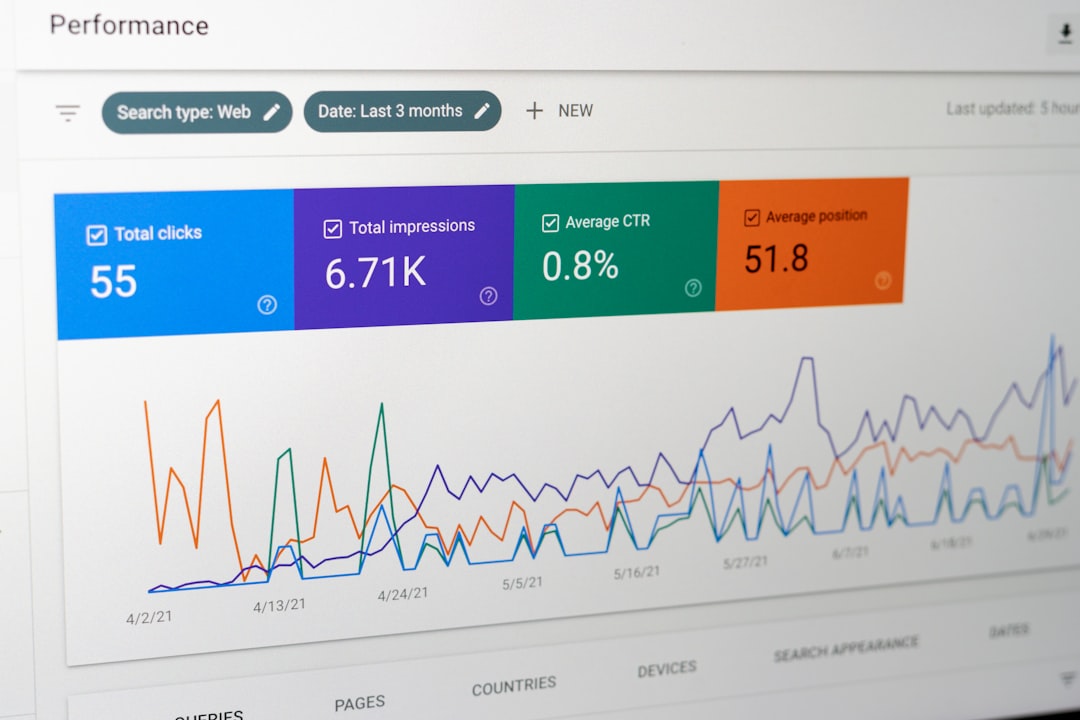
Use charts only where they clarify the message. A line chart is useful for trends, a table is useful for detailed URL or keyword lists, and scorecards are useful for headline numbers. Avoid dashboards that look impressive but do not help anyone make decisions.
Step 6: Schedule automatic refreshes
The biggest operational benefit of connecting Ahrefs and Supermetrics is scheduled refresh. Instead of rebuilding the report each week or month, you can set the query to update automatically.
In Supermetrics, choose a refresh frequency that matches your reporting cadence. For SEO reporting, daily refreshes may be useful for active monitoring, but weekly or monthly refreshes are often sufficient for management reporting. More frequent refreshes can increase query usage and may not add meaningful insight if the underlying SEO metrics do not change significantly every day.
After scheduling refreshes, check the report after the first few automated runs. Confirm that the data updates correctly, filters remain intact, and no authorization errors appear. If the report is business-critical, assign someone to monitor refresh status regularly.
Step 7: Validate the data before sharing
Trustworthy reporting requires validation. Before sending a dashboard to clients, executives, or team members, compare a sample of the Supermetrics output against the Ahrefs interface. Check that the same domain, date range, country, and filters are being used.
Pay attention to these common issues:
- Mismatched date ranges: The dashboard may use a different comparison period than Ahrefs.
- Wrong project or domain: Reports can accidentally pull data for a different property.
- Country differences: Keyword and traffic estimates may vary significantly by market.
- Metric definitions: Make sure stakeholders understand what each Ahrefs metric represents.
- Refresh errors: Expired authorization can cause stale data without being immediately obvious.
Best practices for better SEO reporting
To get the most value from the Ahrefs and Supermetrics connection, approach reporting as a decision-support system rather than a data dump.
- Define the audience: Executives need summaries and business impact; SEO specialists need granular detail.
- Separate raw data from presentation: Keep detailed query outputs in one tab or table and summarized visuals in another.
- Use consistent naming: Standardize labels for domains, countries, keyword groups, and competitors.
- Add commentary: Numbers alone rarely explain causation. Include written notes about algorithm updates, campaigns, technical changes, or link building activity.
- Combine sources: Ahrefs data becomes more valuable when compared with Google Search Console clicks, analytics conversions, and revenue outcomes.
- Maintain access governance: Document who owns the connection and what happens if an employee leaves or permissions change.
Common use cases
Agency client reporting: Agencies can create repeatable templates that pull Ahrefs data for each client. This reduces production time and helps ensure reporting consistency across accounts.
Competitor monitoring: SEO teams can track competitor backlink growth, keyword gains, and content expansion in a centralized dashboard. This makes it easier to detect strategic changes early.
Content portfolio analysis: By pulling URL-level data, teams can identify which pages attract links, which pages rank for valuable keywords, and which pages may require updates.
Link building oversight: Reports can show new and lost referring domains, helping teams evaluate campaign progress and identify important lost links that may need recovery.
Final thoughts
Connecting Ahrefs and Supermetrics is a practical way to make SEO reporting more efficient, reliable, and useful. Ahrefs provides valuable search and backlink intelligence, while Supermetrics helps move that data into the places where reporting and decision-making happen. The connection is most effective when it is built around clear goals, carefully selected metrics, validated data, and a reporting structure that highlights action rather than volume.
For teams that regularly report on SEO performance, this integration can save hours of manual work and improve the quality of insights delivered to stakeholders. Start with a focused report, confirm the data is accurate, and expand gradually as your reporting needs become more advanced.