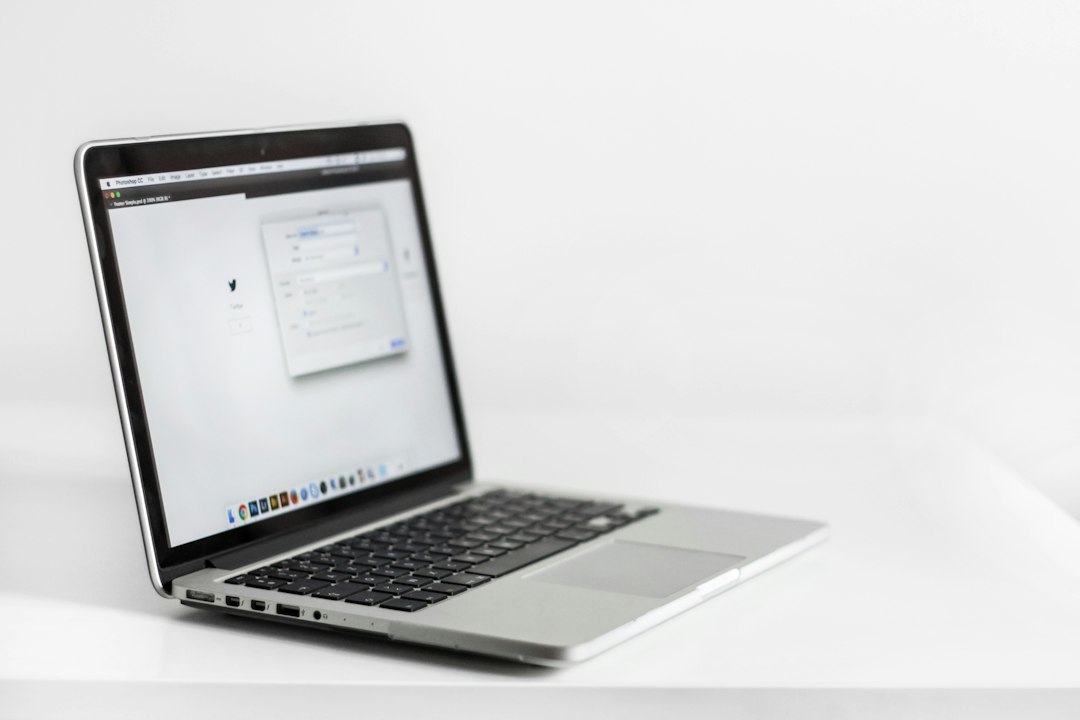
Choose the MacBook Air if you want the best Apple laptop for most people; choose the MacBook Pro if your work regularly pushes the processor for long stretches. The Air is lighter, quieter, and usually cheaper. The Pro is better for editing, coding, 3D work, and long sessions under heavy load. Apple lists the MacBook Air with up to 18 hours of video playback, which is already enough for most full workdays [source: Apple].
TLDR: The MacBook Air is the smart pick for students, office work, browsing, writing, calls, and light photo or video editing. The MacBook Pro is worth the extra money if you export video often, run many developer tools, or use demanding creative apps for hours. For example, if 70% of your day is email, tabs, documents, and Zoom, buy the Air and spend the savings on more storage or AppleCare. If you wait 20 minutes for video exports every day, the Pro will likely pay for itself in saved time.
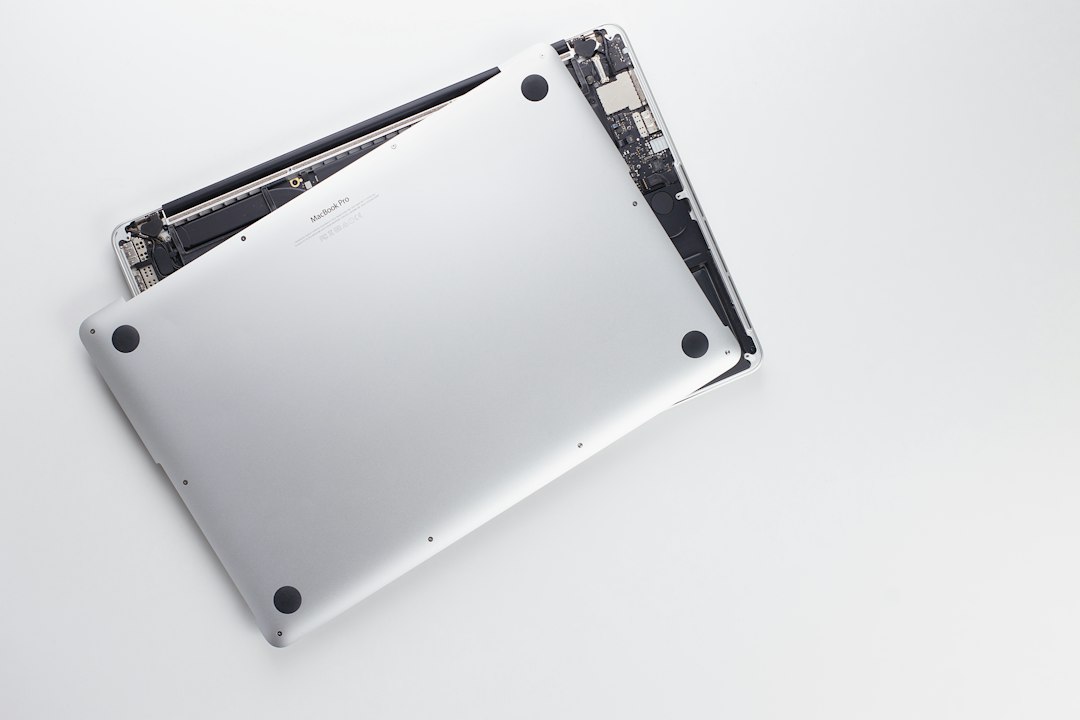
Start with your workload, not the logo
Both laptops are excellent. That is what makes the choice annoying. The difference is not whether one is “good” and the other is “bad.” The real question is how hard you push your laptop.
The MacBook Air is built for comfort and portability. It has no fan, so it stays silent. It is thin and easy to carry. It handles normal work with ease. That includes web browsing, spreadsheets, writing, video meetings, streaming, note taking, and light editing.
The MacBook Pro is built for sustained performance. It has active cooling, better display options, stronger chip choices, and more ports on many models. It keeps working fast when the task stays heavy for a long time.
Who should buy the MacBook Air?
Buy the Air if you want a laptop that feels simple, fast, and quiet. It is the better choice for most buyers because most people do not run heavy apps all day.
- Students: Great for notes, research, papers, lectures, and media.
- Office workers: Strong for email, Slack, Microsoft 365, Google Docs, and calls.
- Writers and consultants: Light, silent, and easy to carry between meetings.
- Casual creators: Fine for light photo edits and short video projects.
Honestly, it feels like many people buy the Pro because they fear the Air is “not enough.” In many cases, that fear costs hundreds of dollars. A well configured Air can feel fast for years if you choose enough memory and storage.
Who should buy the MacBook Pro?
Buy the Pro if your laptop is part of your income and delays cost you money. This is the safer choice for demanding work.
- Video editors: Better for 4K and 8K timelines, effects, and long exports.
- Developers: Useful if you run containers, simulators, local servers, or large builds.
- Designers and photographers: Better screen options and stronger performance under pressure.
- Music producers: More headroom for large projects, plug ins, and sample libraries.
- 3D and motion artists: More graphics power and better cooling.
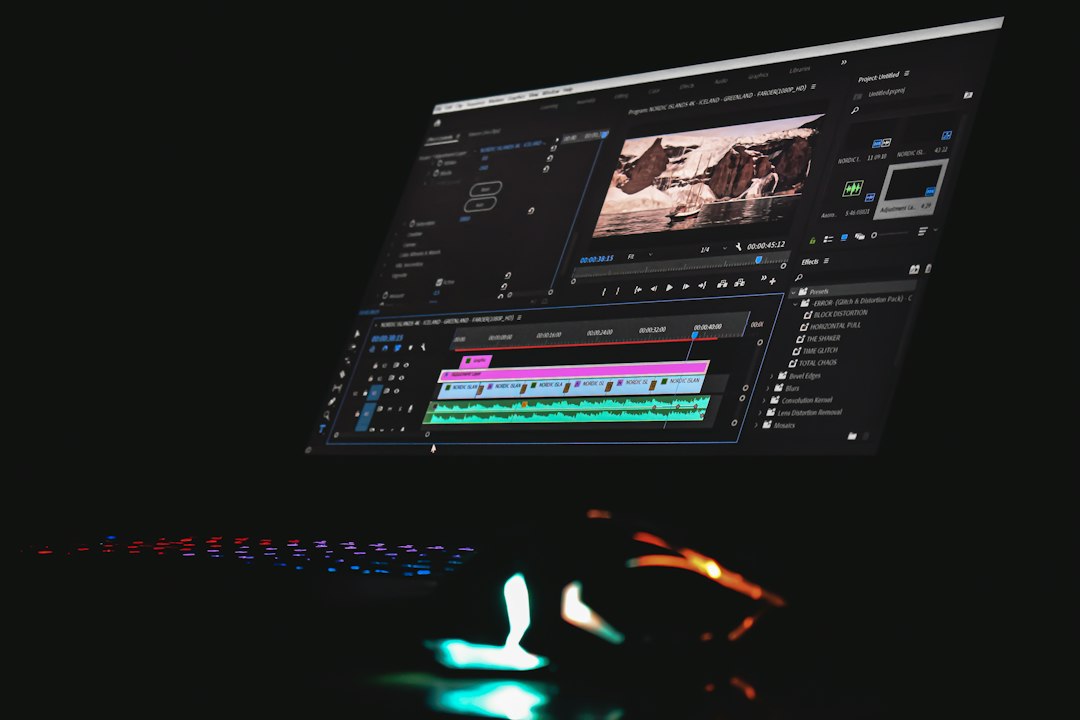
The catch is simple. The Pro costs more, and not everyone will feel the benefit. If your hardest task is keeping 30 browser tabs open during a meeting, a Pro may be too much machine.
Performance and cooling
The Air is fast in short bursts. Open an app, load a page, edit a photo, join a call. It handles these jobs well. But because it has no fan, it may reduce speed during long heavy tasks to control heat.
The Pro handles sustained work better. Its fan helps keep performance steady. This matters when exporting a long video, compiling code, or processing a large photo batch. You may not notice it after five minutes. You will notice it after an hour.
Display, speakers, and ports
The Air display is good. For most users, it is more than enough. Text looks sharp. Colors look clean. Brightness is fine for normal rooms.
The Pro offers a better screen on higher models, especially for HDR work and color-sensitive projects. It also often has stronger speakers and more ports. That matters if you hate dongles. And yes, it drives me crazy when a simple SD card import turns into a hunt for an adapter.
If you connect cameras, monitors, drives, or audio gear every week, the Pro can save time. If you mostly use cloud apps and one charger, the Air keeps life simpler.
Memory and storage matter more than you think
Do not buy only the cheapest model without thinking. Memory and storage affect real daily use.
- Memory: Choose at least 16 GB if you multitask, edit media, or want a longer useful life.
- Storage: 256 GB fills up fast. Choose 512 GB or more if you keep photos, videos, or large apps locally.
- External drives: Fine for backups and media, but less pleasant for daily work.
A higher-spec MacBook Air can be smarter than a base MacBook Pro for many people. But if you are already pricing an Air with lots of memory and storage, compare it closely with the Pro. The gap may shrink.
Battery life and travel
Both lines have strong battery life. The Air wins for light travel because it is thinner and lighter. It feels better in a backpack. It is also silent, which is nice in classrooms, libraries, and meetings.
The Pro is still portable, but it is more of a mobile workstation. If you move between desks and studios, it makes sense. If you carry it all day, the Air is easier to live with.

Simple buying advice
Buy the MacBook Air if you want value, silence, and portability. It is the right Apple laptop for most homes, schools, and offices.
Buy the MacBook Pro if you do serious creative work, software development, or any task where waiting costs time. It is not just about speed. It is about keeping that speed when the work gets heavy.
If you are still unsure, pick the Air with sensible memory and storage. If you can clearly name the demanding apps you use every week, pick the Pro. That one test cuts through most of the confusion.