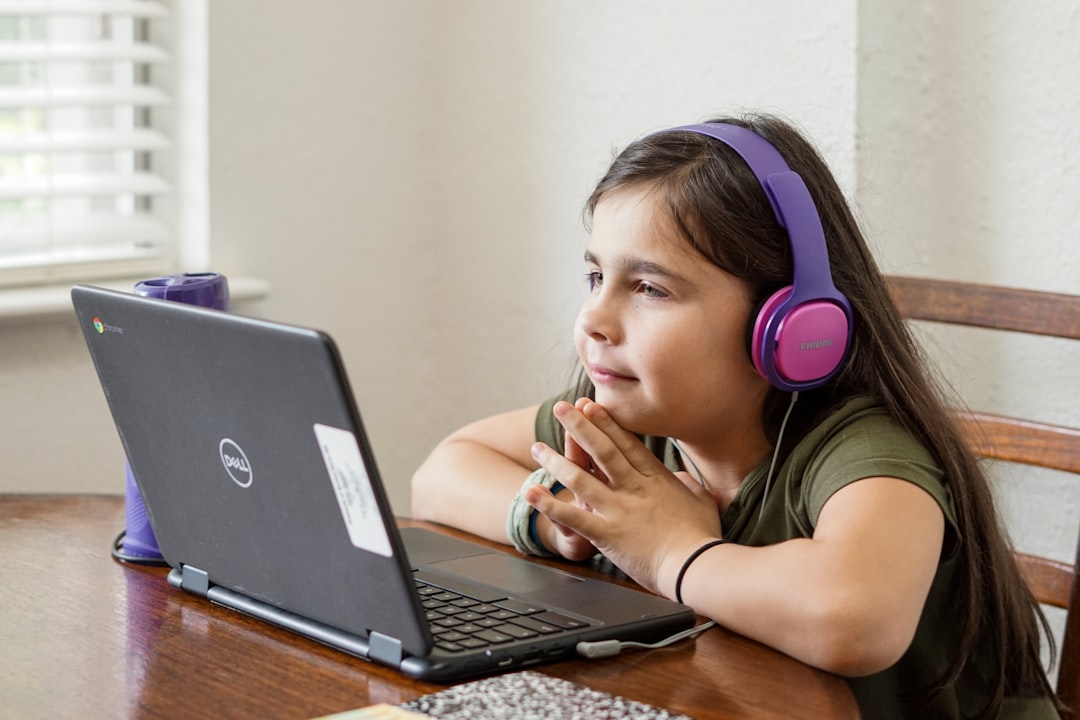
If you are at school, the safest choice is to play only games your school allows, and Roblox is often harder to access than simple browser-based games. Roblox can be amazing for social play, user-made worlds, and long-term progression, but it also needs an account, steady performance, and network permission. Browser games usually start faster, ask for less, and cause fewer problems on shared school devices.
TLDR: Roblox is the richer option, but browser-based alternatives are usually better for short school breaks because they load quickly and work on more devices. For example, if a lunch break is 20 minutes and Roblox takes 2 minutes to open, sign in, and join a server, that is 10% of the break gone before play starts. A student who only has 8 minutes between study hall tasks may get more value from a quick puzzle, racing, or platform game in the browser. The best option is the one that fits school rules, device limits, and the time you actually have.

What “Roblox Unblocked” Usually Means
The phrase “Roblox unblocked” gets used a lot, but it can mean different things. Sometimes it means Roblox is simply allowed on a school network. Other times it refers to unofficial mirrors, proxy sites, or sketchy pages that claim to open Roblox when the real site is blocked.
That second group is where trouble starts. Many of those sites are slow, stuffed with ads, or built to steal logins. Some ask for your Roblox password. Some push downloads. Some pretend to be Roblox but are not connected to it at all. That is not worth a few minutes of gameplay.
The clean version is simple: if your school permits Roblox on a supervised device, use the official app or official website. If it does not, pick an approved game site or wait until you are on your own device and network.
Roblox at School: Why Students Want It
Roblox is not just one game. It is a huge platform filled with obstacle courses, roleplay worlds, racing games, simulators, shooters, tycoons, and social hangouts. That is the main reason students search for it during breaks. One login opens thousands of experiences.
There is also a strong social pull. Friends can meet in the same server. Avatars carry over from game to game. Progress matters. Items, badges, and saved data make Roblox feel more personal than a random browser game.
For creative students, Roblox has another angle. Roblox Studio lets users build games, learn basic scripting, and test ideas. That side can connect to coding clubs or game design classes. In the right setting, Roblox is more than a time filler.
Where Roblox Struggles on School Devices
The catch is that Roblox is not built for every locked-down school computer. Many school Chromebooks and desktops limit installs. If Roblox requires an app update, admin approval may block it. If the browser version redirects to an app that cannot run, the session ends before it starts.
Performance can be uneven too. A busy 3D game may run poorly on older machines. Wi-Fi in schools is often shared by hundreds of students. A game that feels smooth at home can stutter badly in a crowded building.
There is also the account issue. Logging into a personal account on a shared or monitored device can be risky. Forgetting to sign out is common. Typing a password into the wrong site is worse. It drives me crazy that fake “unblocked Roblox” pages often look just real enough to fool a bored student in a rush.
- Pros: huge game library, friend features, saved progress, creative tools.
- Cons: often blocked, may need installation, can run slowly, requires account safety.
- Best use: approved clubs, free periods with permission, home play, game design lessons.
Browser-Based Alternatives: Why They Work Better for Quick Play
Browser games have one big advantage: low friction. Open a page, click play, and start. No installer. Often no account. Many games are built to run on modest hardware. That makes them useful during short breaks or after finishing classwork early, if your teacher allows it.
Common categories include puzzle games, chess, word games, platformers, tower defense, rhythm games, and simple racing titles. Sites vary by school, so availability changes. Some schools allow educational platforms but block general arcade sites. Others whitelist only selected games.
Browser games also fit better with short time windows. If you have five minutes, a quick sudoku, typing game, or physics puzzle makes sense. Roblox can feel like too much setup for too little play.

Roblox vs Browser Games: The Real Comparison
Depth: Roblox wins. It offers larger worlds, multiplayer communities, avatar systems, and ongoing progress. Browser games are usually smaller and simpler.
Speed: Browser games win. Many load in seconds. Roblox may need login checks, updates, server selection, and asset loading.
Safety: It depends. The official Roblox platform has moderation tools, parental controls, and reporting. Random game sites may have ads or tracking. Still, unofficial “unblocked Roblox” sites are the riskiest option of all.
School fit: Browser games usually win. They are easier for teachers and IT teams to manage. They can also support learning goals, such as typing speed, logic, math practice, or language skills.
Social play: Roblox wins again. Playing with friends across persistent worlds is one of its main strengths. Most browser games are solo, local, or limited in multiplayer features.
What About Cloud Gaming and Mobile Workarounds?
Some students try cloud gaming services, remote desktops, mobile hotspots, or proxies. That path gets messy fast. School policies often ban these methods. They can also expose personal data or trigger account restrictions. Expect to waste time on lag, login errors, and blocked pages if the network is designed to stop that traffic.
Using a phone is not automatically better. Many schools limit phone use during the day. Mobile data can be spotty indoors. Battery drain is real. A quick game can turn into a dead phone before the bus ride home.
How to Choose the Right Option
Use a simple checklist before playing anything at school:
- Is it allowed? If the teacher or school policy says no, skip it.
- Does it need a personal login? Avoid entering passwords on shared machines unless you trust the site fully.
- How much time do you have? Roblox fits longer breaks. Browser games fit quick sessions.
- Will it distract others? Sound, chat, and flashy screens can cause problems fast.
- Does the site look suspicious? Fake buttons, pop-ups, and password requests are red flags.
Better Browser-Based Picks for School Breaks
The best alternatives are not always the loudest arcade games. Good school-friendly choices are quick, calm, and easy to stop. Think logic puzzles, typing games, chess, geography quizzes, coding games, drawing tools, and lightweight platformers. They give your brain a break without turning the room into chaos.
Educational game sites can be a smart middle ground. A math game, word game, or coding challenge may still feel fun while matching classroom goals. Teachers are more likely to approve games that build a skill instead of only killing time.

The Smart Take
Roblox is best when you have permission, enough time, and a device that can handle it. It shines as a social platform and creative game hub. Browser-based alternatives are better for quick school play because they are lighter, faster, and less likely to get tangled in installs or blocked apps.
If you see the words “Roblox unblocked” on a random site, be careful. The official version is the only version worth trusting. For school, the smarter move is to respect the rules, protect your account, and pick a game that fits the moment. That way, you get the break without the headache.