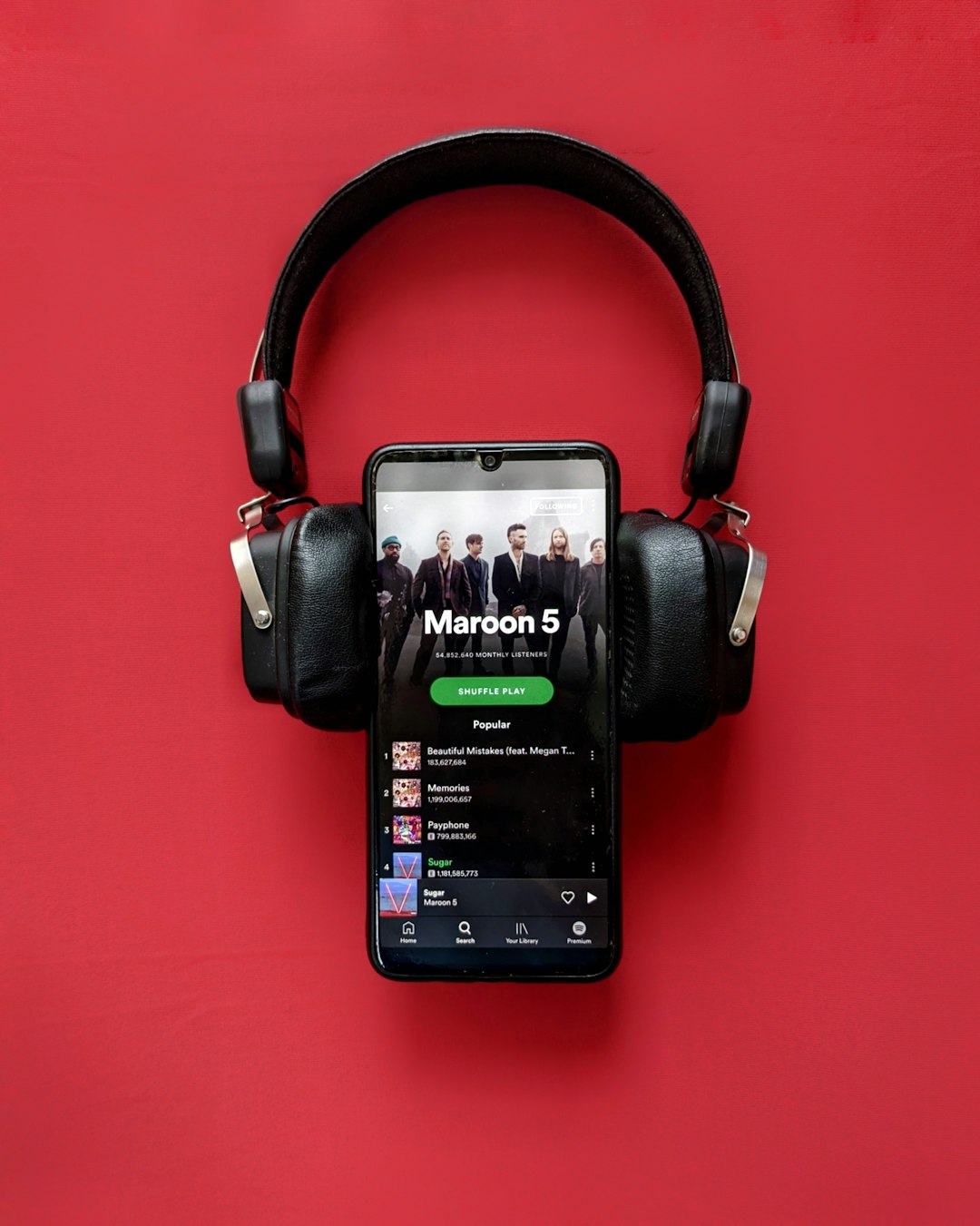
The best SpotifyDown alternative is not another scraper; it is a legal download or offline-listening option that will not risk your account, device, or music library. Spotify lets Premium users download up to 10,000 tracks per device on up to five devices for offline listening, which covers most daily use cases without shady conversion sites [source: Spotify]. If you need actual files you can keep, choose stores such as Bandcamp, Qobuz, or Amazon Music digital purchases instead.
TLDR: SpotifyDown-style tools may look convenient, but they often create legal, security, and quality problems. For a student saving playlists for a 90-minute train commute, Spotify Premium offline mode is usually the cleanest choice. If you want permanent MP3 or FLAC files, Bandcamp and Qobuz are better options because you pay once and keep the download. In practical terms, a 40-song playlist is faster and safer to save inside a licensed app than to fight pop-ups, failed links, and low-bitrate rips.
What SpotifyDown Promises, and Why That Matters
SpotifyDown is commonly used to describe web tools that claim to download songs from Spotify links. The appeal is obvious. Paste a track, album, or playlist URL, then receive an MP3 file. Simple, at least on paper.
The problem is that Spotify streams are licensed for use inside Spotify. A third-party downloader may breach Spotify’s terms, and it may also create copyright issues. There is a second issue too: trust. These sites often rely on aggressive ads, copycat buttons, redirects, or files with unclear origins. Honestly, it feels like some of them are built to make you click the wrong button at least once.
Audio quality is another weak point. Many tools do not extract a true Spotify file. They may match the song from another source, compress it again, or deliver mislabeled audio. That can mean missing tracks, wrong versions, poor metadata, or volume shifts across an album.
Best Alternatives Compared
The right choice depends on what you mean by “download.” Do you want offline playback inside an app? Or do you want music files you own and can move between devices? Those are very different needs.
| Service | Best For | Download Type | Main Drawback |
|---|---|---|---|
| Spotify Premium | Spotify users who need offline playlists | In-app offline listening | No standalone MP3 or FLAC ownership |
| Apple Music | Apple users and lossless streaming fans | In-app offline listening | Files stay tied to subscription access |
| YouTube Music Premium | Fans of live versions, covers, and music videos | In-app offline listening | Library quality can feel inconsistent |
| Amazon Music Unlimited | Alexa users and mainstream listeners | In-app offline listening | Interface can feel cluttered |
| Tidal | Hi-fi streaming and curated editorial content | In-app offline listening | Smaller social ecosystem than Spotify |
| Qobuz | Lossless buyers and album collectors | Streaming plus paid FLAC downloads | Discovery tools are less casual |
| Bandcamp | Supporting artists and buying DRM-free files | MP3, FLAC, ALAC, WAV, and more | Catalog depends on artist participation |
1. Spotify Premium: Best If You Already Use Spotify
If your goal is to listen without mobile data, Spotify Premium is the most direct replacement for SpotifyDown. You can save albums, playlists, and podcasts for offline use inside the Spotify app. Your playlists, recommendations, liked songs, and devices stay in one place.
The catch is that these are not personal MP3 files. You cannot move them into a USB stick, edit them in audio software, or keep them after canceling. Still, for commuting, flights, gym sessions, and weak signal areas, it works well. It also avoids broken tags and suspicious downloads.
- Best choice for: everyday Spotify users.
- Not ideal for: collectors who want permanent files.
- Annoyance: downloaded songs may disappear if you miss required online check-ins.
2. Apple Music: Strong for Apple Devices
Apple Music is a serious option if you use an iPhone, iPad, Mac, Apple Watch, or HomePod. Offline downloads are smooth, and lossless audio is available on many tracks. The library is broad, and iCloud Music Library can keep your collection synced across devices.
It is less appealing if your life is built around Spotify playlists or collaborative features. Moving playlists is possible through third-party transfer tools, but expect to waste time fixing mismatched tracks. It took me noticeably longer to clean up imported playlists than to create new offline playlists from scratch.
- Best choice for: Apple users who value lossless streaming.
- Not ideal for: people who want native Spotify playlist sharing.
3. YouTube Music Premium: Best for Rare Versions
YouTube Music Premium is useful when you listen to remixes, live performances, unofficial covers, DJ sets, and niche material. Spotify may not always have these versions. YouTube often does.
Offline playback is available inside the app, and the regular YouTube Premium bundle can also remove ads from standard YouTube. That makes it attractive if video is part of your daily listening.
The downside is consistency. A track may be a studio version, a fan upload, a live clip, or a lower-quality video rip. For albums, this can feel messy compared with Spotify, Apple Music, or Tidal.
4. Tidal: Best for Hi-Fi Streaming
Tidal is a strong SpotifyDown alternative for listeners who care about sound quality but still prefer subscription streaming. It supports offline listening in the app and has a reputation for better audio options than basic compressed streaming.
The interface is polished, and editorial playlists are often well built. For R&B, hip-hop, electronic, jazz, and modern pop, the catalog is competitive. Still, Spotify’s recommendation engine and social features may feel more familiar. If you follow many friends, shared playlists, or community-made mixes, switching may feel like a downgrade.
- Best choice for: hi-fi listeners who want offline streaming.
- Not ideal for: users who care most about social playlists.
5. Qobuz: Best for Legal FLAC Downloads
Qobuz is one of the best options if you want legal high-quality downloads. Unlike streaming-only services, Qobuz also sells albums and tracks in formats such as FLAC. That means you can buy music, download it, back it up, and play it in your preferred software.
This is the better path for serious collectors. You get cleaner metadata, album artwork, and real ownership rights for personal listening. It is not as casual as Spotify, and discovery can feel more album-focused. For many listeners, that is a positive.
- Best choice for: lossless album buyers.
- Not ideal for: listeners who only want free quick downloads.
6. Bandcamp: Best for Supporting Artists Directly
Bandcamp is the most artist-friendly option on this list. When you buy music there, you often receive several download formats, including MP3, FLAC, ALAC, AAC, Ogg Vorbis, and WAV. Many artists also offer bonus tracks, liner notes, or pay-what-you-want pricing.
It is especially strong for independent music, experimental genres, metal, ambient, hip-hop, electronic, folk, punk, and local scenes. The limitation is catalog coverage. Major-label releases may be absent. If your playlist depends on mainstream chart music, Bandcamp will not replace everything.
Still, for ownership, ethics, and sound quality, it is hard to beat. You pay the artist, get the files, and avoid shady downloader behavior.
What About Free Music Download Sites?
Free can be legitimate, but only in the right places. Public domain archives, Creative Commons catalogs, artist giveaways, and label samplers can all be legal. The key is permission. If a site claims it can turn any Spotify track into a free MP3, be skeptical.
Red flags include:
- Multiple fake download buttons.
- Browser notification requests before download.
- Forced extensions or APK files.
- No clear company information.
- Wrong artist names or strange file sizes.
- Audio files wrapped in ZIP archives for no clear reason.
Recommended Choices by User Type
- Commuter: Use Spotify Premium or Apple Music offline mode.
- Student on a budget: Check student plans from legal streaming services.
- DJ or video editor: Buy licensed tracks from stores that provide proper usage rights.
- Audiophile: Choose Qobuz or Tidal.
- Indie music fan: Start with Bandcamp.
- Casual YouTube listener: Try YouTube Music Premium.
Final Verdict
SpotifyDown is tempting, but it is not the best long-term music download solution. It can waste time, produce uneven files, and expose you to legal or security risk. If you simply need offline listening, use a paid streaming plan. If you want real files, buy them from Bandcamp, Qobuz, Amazon, or other licensed stores.
The cleanest answer is simple: stream offline when convenience matters, buy downloads when ownership matters. That split will save you from broken tools, suspicious ads, and low-quality rips.