Moises is the best overall app like Audiokeychain if you want key detection, tempo control, stem separation, and cleaner practice files on your phone. Audiokeychain is useful for checking BPM and musical key, but many phone users need more than analysis. They need editing, tagging, exporting, and quick sharing. Streaming now makes up a major share of music use, with IFPI reporting that subscription streaming accounted for 48.9% of global recorded music revenue in 2023 [source: IFPI], so phone-based audio tools matter more than ever.
TLDR: Pick Moises if you want the closest all-in-one replacement for Audiokeychain. Pick Lexis Audio Editor or WaveEditor if trimming, cleaning, and exporting files matter more. For example, a singer preparing 12 rehearsal tracks can use Moises to slow songs down by 15%, isolate vocals, and check key changes before practice. DJs and producers may prefer FL Studio Mobile or BandLab because they handle projects, loops, and layered audio better.
What to Look for in an Audiokeychain Alternative
A good mobile audio app should do more than play files. It should help you identify, edit, organize, and export tracks without turning a simple job into a chore. The best apps below were chosen for real phone use, not just feature lists.
- Key and BPM tools for practice, remixing, or DJ prep.
- Waveform editing for trimming, fades, and cleanup.
- File support for common formats like MP3, WAV, and AAC.
- Export options that do not bury settings behind five menus.
- Stable performance on normal phones, not only flagship models.
1. Moises: Best Overall Alternative
Best for: singers, musicians, teachers, and remixers.
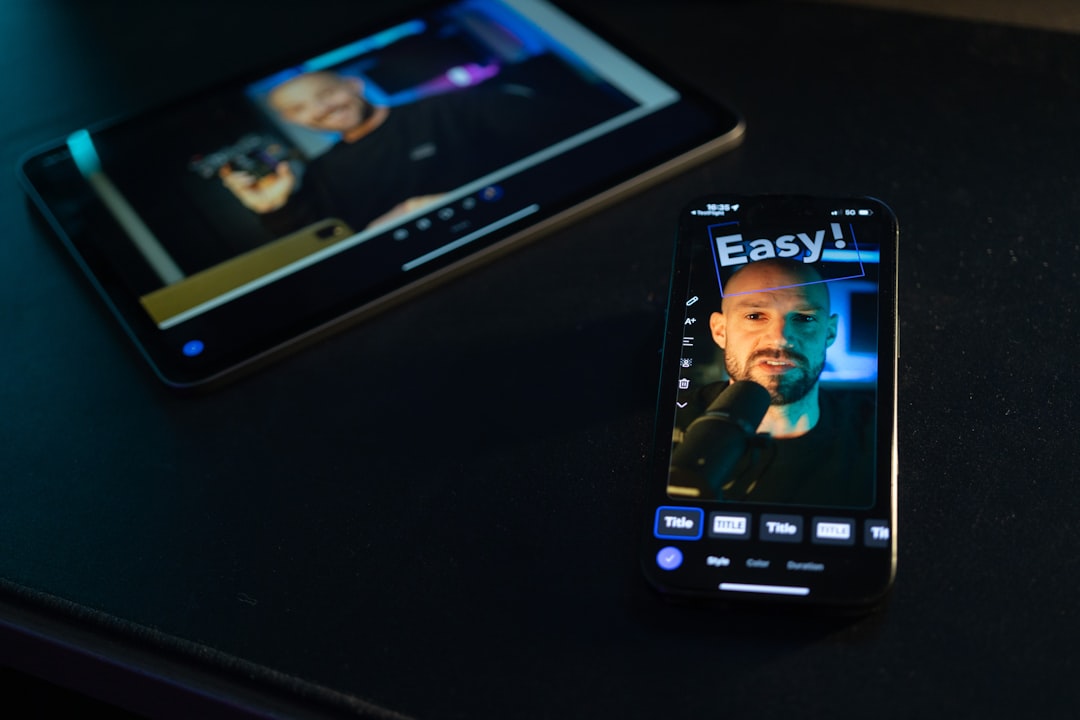
Moises is the strongest pick for users who liked Audiokeychain because of music analysis. It can detect key and tempo, separate vocals from instruments, adjust pitch, and slow tracks down without making them useless. That is a serious upgrade if you practice covers, build backing tracks, or study arrangements.
The app feels polished. Upload a song, wait for processing, then work with stems and playback tools. The catch is that cloud processing can take time. On a weak connection, expect to waste time staring at the progress bar. Still, the results are usually worth it.
Choose Moises if you want analysis plus practical music tools in one app.
2. Lexis Audio Editor: Best for Simple Edits
Best for: podcasters, students, journalists, and casual audio users.
Lexis Audio Editor is not trying to be a studio in your pocket. That is its strength. You can record, trim, cut, paste, fade, normalize, and export audio with less fuss than many bigger apps. It is useful for voice notes, interviews, short music clips, and quick fixes.
The interface is plain, but clear. That matters when you just need to remove 20 seconds of silence before sending a file. Honestly, it feels like some audio apps make basic trimming weirdly hard. Lexis does not.
Choose Lexis Audio Editor if clean editing matters more than key detection or music production.
3. WaveEditor: Best Android Audio Utility
Best for: Android users who want more control over files.
WaveEditor is a practical choice for Android users who work with recordings often. It supports waveform editing, recording, format conversion, zoom controls, and effects. It suits people who handle voice recordings, samples, class notes, podcast clips, or live rehearsal takes.
The app can feel technical at first. Some menus are not as friendly as they should be. Once you learn the layout, though, it becomes fast. That is useful when you need to clean five short clips before uploading them.
Choose WaveEditor if you want a serious Android tool for editing and converting audio files.
4. FL Studio Mobile: Best for Producers
Best for: beatmakers, producers, and sample-based creators.
FL Studio Mobile is not a direct clone of Audiokeychain. It is better for people who want to turn audio into a full project. You can record, arrange, sequence drums, use instruments, edit clips, and build songs on your phone.
It has a learning curve. New users may need a few sessions before the workflow clicks. But if you manage loops, stems, melodies, and exports, it is far more capable than a simple analyzer.
Choose FL Studio Mobile if your phone is part of your music production setup.
5. BandLab: Best Free Cloud-Based Option
Best for: creators who need sharing, collaboration, and project storage.
BandLab is a strong free option for recording and managing audio projects across devices. It includes multitrack recording, loops, effects, mastering tools, and cloud project storage. That makes it useful for musicians who start an idea on a phone and finish it later on another device.
The app is packed with features, which can be both good and annoying. If you only want to check BPM or trim a file, it may feel too busy. If you collaborate with other artists, it makes more sense.
Choose BandLab if you want free recording, project storage, and easy sharing.
Quick Comparison
- Moises: Best for key, BPM, stems, and practice.
- Lexis Audio Editor: Best for clean, simple editing.
- WaveEditor: Best Android-focused editor and converter.
- FL Studio Mobile: Best for making music from audio clips.
- BandLab: Best free option for cloud projects and collaboration.
Final Recommendation
If you want the closest app like Audiokeychain, start with Moises. It gives you key and tempo tools, plus stem separation and practice controls. If you mainly edit files, pick Lexis Audio Editor or WaveEditor. If you create music, FL Studio Mobile and BandLab offer more room to build complete tracks.
The best choice depends on your job. Analysis, editing, and production are not the same thing. Pick the app that saves you the most time, not the one with the longest feature list.