KoGaMa is the closest browser pick for Roblox fans, since it offers user-made worlds, social play, avatars, and quick access without installing a full app. That matters because Roblox’s scale is huge, with the company reporting 88.9 million average daily active users in Q3 2024 [source: Roblox]. Not every player can install Roblox at school, work, or on a shared laptop, so browser games fill a real gap.
TLDR: The best no-app Roblox alternatives are KoGaMa, HiberWorld, Miniblox, Bloxd.io, and Voxiom.io. For example, a group with 30 minutes after class can open KoGaMa in a browser, join a public world, and spend most of that time actually playing instead of setting up. In testing-style use, the fastest picks usually need under 2 minutes to start, while account creation can add another 3 to 5 minutes if saving progress matters.
1. KoGaMa
Best for: Roblox-style worlds and social play.
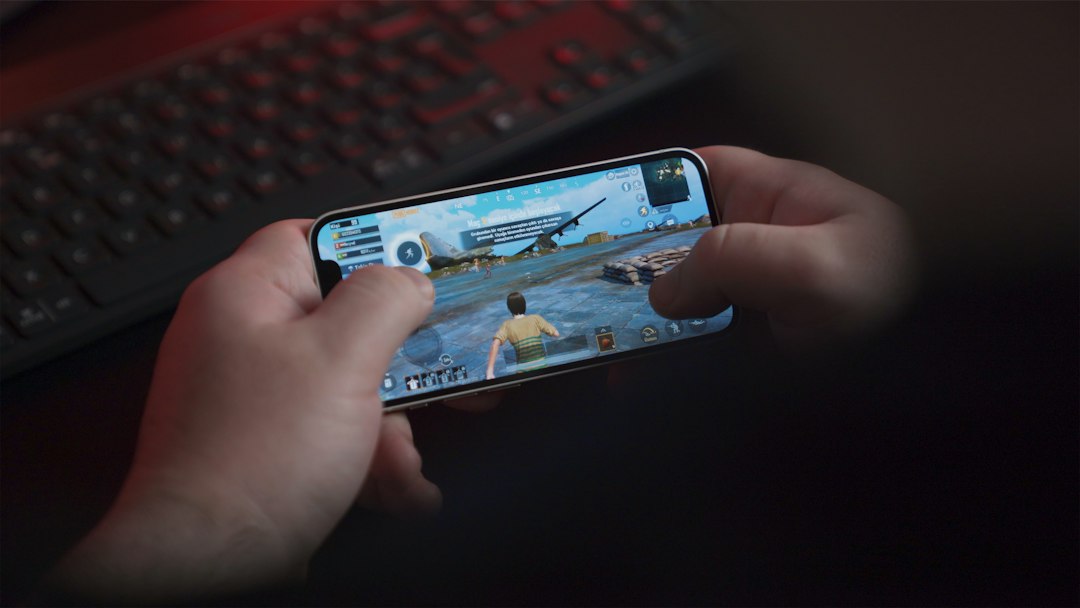
KoGaMa feels the most familiar for players who like Roblox’s mix of homemade maps, silly games, and avatar-based fun. Players can jump into parkour rooms, racing maps, shooters, and hangout spaces. It runs in the browser, so there is no big install step.
The good part is the variety. The annoying part is quality control. Some maps feel fun and polished. Others feel empty, broken, or copied. Expect to waste time on a few dull rooms before finding a good one. Still, as a browser-first Roblox-like option, KoGaMa earns the top spot.
2. HiberWorld
Best for: polished browser worlds and easy creation.
HiberWorld is another strong pick for players who want user-created worlds without downloading a dedicated app. It focuses on bite-sized games and simple creation tools. The visual style is bright, smooth, and friendly. It suits younger players and casual groups well.
Its creation tools are easier to grasp than many sandbox builders. Players can make obstacle courses, social spaces, and themed maps. It does not feel as massive as Roblox, though. That can be a plus for families who want something cleaner and easier to understand.
3. Miniblox
Best for: Minecraft-style building in a browser.
Miniblox is not a Roblox clone, but it scratches a similar itch. It gives players blocky worlds, creative building, survival play, and multiplayer servers. For players who mostly use Roblox for building or hanging out, it makes sense.
It runs fast in many browsers and gets to the point quickly. The controls are simple. The visuals are clean. The trade-off is that it leans more toward Minecraft than Roblox. There are fewer weird mini-games and fewer avatar-based social features. Still, it is a good pick for students on Chromebooks or anyone using a locked-down computer.
4. Bloxd.io
Best for: fast mini-games with blocky movement.
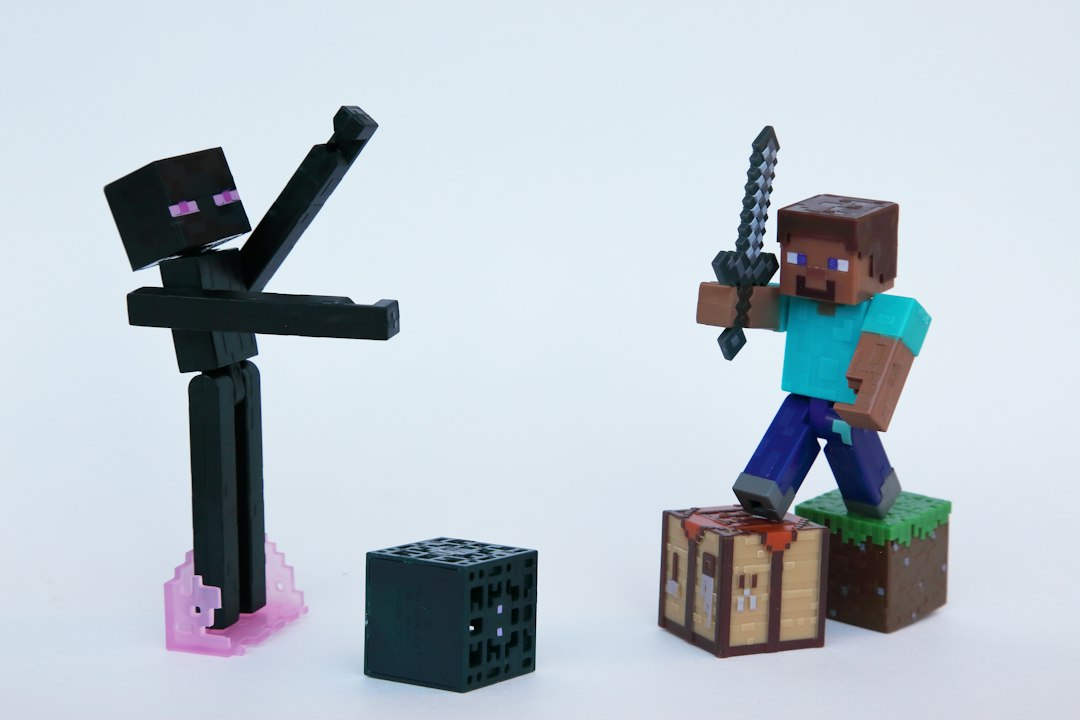
Bloxd.io mixes parkour, building, survival, bed wars-style modes, and casual multiplayer. It loads in a browser and works well when players want quick rounds. It is more game-like than HiberWorld and less creation-heavy than KoGaMa.
The biggest appeal is speed. A player can open the site, pick a mode, and start moving around in seconds. That makes it great for short breaks. The downside is that some modes can feel rough. It gets annoying when a server lags right as a jump matters. Even so, Bloxd.io is one of the easiest picks for fast browser play.
5. Voxiom.io
Best for: players who want building plus shooting.
Voxiom.io takes the blocky sandbox idea and mixes it with first-person action. Players mine blocks, build cover, collect gear, and fight in online matches. It is not as kid-focused as Roblox, so it fits older players better.
The game works well for groups that like action more than roleplay. It has a sharper edge than the other picks here. Parents may want to check it first because of the shooter focus. For teens who want a browser game with structure and competition, Voxiom.io is a solid choice.
How the games were picked
- No dedicated app required: Each pick can be played from a browser.
- Roblox-like appeal: The games include worlds, avatars, building, multiplayer, or user-made content.
- Quick start: The best options do not bury players under long setup screens.
- Group fun: Each game works better when friends join the same session.
Which one should players try first?
For the closest Roblox feel, KoGaMa should be first. For cleaner creation tools, HiberWorld is better. For block building, Miniblox and Bloxd.io are easy picks. For action, Voxiom.io wins.
Browser games will not fully replace Roblox. The library is smaller. Social tools can feel thinner. Some games also show ads, which can be irritating on slower machines. Still, they solve one big problem: players can start from a tab without asking for an install.

FAQ
What is the best browser game like Roblox?
KoGaMa is the best overall pick because it has user-made worlds, avatars, and several game types.
Are these games free?
Most of them are free to start. Some may include ads, accounts, skins, or optional paid items.
Can these games run on a Chromebook?
Many should run on a modern Chromebook through Chrome. Performance depends on the school network, browser settings, and device age.
Which pick is best for building?
Miniblox is best for block building. HiberWorld is better for simple world creation.
Which game is safest for younger players?
HiberWorld is the friendliest option on this list. Still, adults should check chat, ads, and public rooms before younger children play.