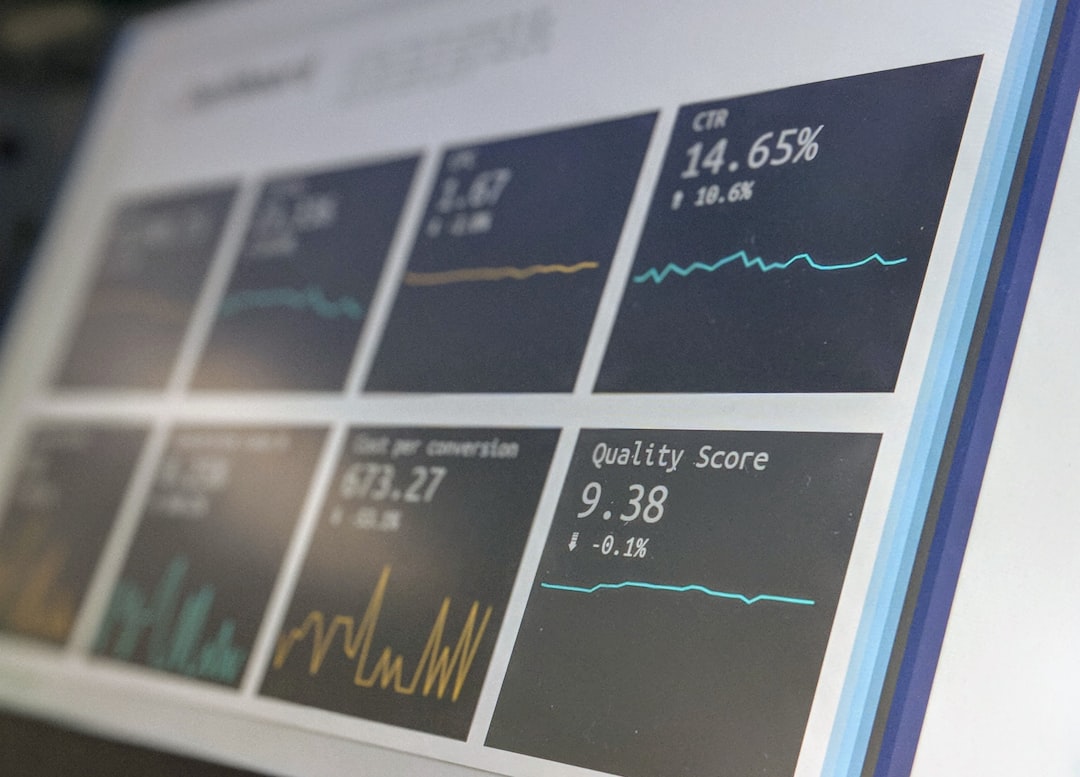
A modern service desk should reduce friction, resolve issues fast, and give the business clear proof that support is improving. The best teams do this through eight core functions: ticket management, self-service, incident handling, request fulfillment, asset visibility, knowledge management, reporting, and automation.
TLDR: A strong service desk is not just an inbox for complaints. It is a structured support hub that tracks work, helps users solve simple issues, protects service quality, and gives leaders useful data. For example, a 600-person company that adds self-service and automation may cut password reset tickets by 35% within three months. That can free agents to focus on outages, access problems, and higher-value support work.
1. Centralized Ticket Management
The first essential function is centralized ticket management. Every request, incident, question, and complaint should enter one controlled system. Email chains and scattered chat messages create confusion. They also hide work.
A good service desk records the user, issue type, urgency, status, owner, and full history. This gives agents context. It also helps managers see stuck tickets before users start chasing updates. Honestly, it feels like a waste when an agent spends five extra minutes searching three tools just to find what was already reported yesterday.
- Queue management keeps work organized.
- Priority rules push urgent items forward.
- SLA timers show what needs action now.
- Escalation paths prevent tickets from sitting untouched.

2. Self Service Portal
A modern service desk should let users help themselves. A self-service portal gives employees one place to request help, check ticket status, search articles, and submit standard forms.
This function matters because many service desk contacts are repetitive. Password resets, software access, printer issues, VPN setup, and account lockouts often follow known steps. If users can solve these issues without waiting, support volume drops.
The portal should be simple. If the form asks ten vague questions, users will avoid it. The best portals use plain language, short forms, and smart suggestions. When a user types “laptop slow,” the portal can show a relevant guide before a ticket is created.
3. Incident Management
Incident management focuses on restoring service after something breaks. This could be an email outage, failed application login, network disruption, or payment system error.
The service desk should capture the incident, assess impact, assign priority, alert the right teams, and keep users updated. Speed matters, but so does communication. Silence makes outages feel worse.
Strong incident management includes:
- Impact assessment to measure how many users or services are affected.
- Major incident rules for severe failures.
- Status updates for users and business teams.
- Post-incident review to reduce repeat failures.
The goal is not only to fix the issue. The goal is to restore trust.
4. Request Fulfillment
Not every ticket is a broken service. Many tickets are service requests. These include new laptop orders, access to applications, software installs, mobile device setup, and employee onboarding tasks.
A service desk should manage these requests with clear workflows. Approval steps should be built in. So should fulfillment tasks. For example, a new employee request might trigger tasks for HR, IT, facilities, and security.
The catch is that request fulfillment can become painfully slow when approvals sit in someone’s inbox. A proper service desk sends reminders, tracks owners, and shows delays. That keeps work moving without endless follow-up messages.
5. Asset and Configuration Visibility
A service desk becomes far more useful when agents can see what each user has. Asset data may include laptops, monitors, phones, software licenses, warranties, and assigned devices. Configuration data may include servers, applications, network devices, and service relationships.
This visibility helps agents diagnose faster. If a user reports a failing laptop, the agent can check the model, age, warranty, and past repairs. If an application is down, the team can see related systems and possible causes.
Asset visibility also helps control cost. Unused licenses can be reclaimed. Old hardware can be replaced before failure rates rise. Security teams also benefit because they can spot unsupported devices.

6. Knowledge Management
Knowledge management turns solved issues into reusable help. It supports both agents and users. A good knowledge base includes how-to guides, troubleshooting steps, known errors, access instructions, and policy details.
Articles should be short, accurate, and searchable. They should also have owners. Outdated knowledge creates bad fixes. It also damages trust.
The service desk should make knowledge creation part of normal work. When an agent solves a recurring issue, the answer should become an article. When a user gives poor feedback, the article should be reviewed. This creates a loop that improves support quality over time.
7. Reporting and Analytics
A service desk needs strong reporting and analytics. Without data, leaders guess. With data, they can see what is improving and what is broken.
Useful metrics include:
- First contact resolution rate
- Average response time
- Average resolution time
- SLA compliance
- Ticket volume by category
- User satisfaction score
- Backlog age
Numbers should lead to action. If 22% of tickets are about one business app, that app may need better training, a bug fix, or a simpler access process. If satisfaction drops after hours, staffing or routing may need review.
8. Automation and Smart Routing
Automation removes manual work from routine support. This can include ticket routing, approval reminders, password reset flows, status notifications, and account setup tasks.
Smart routing sends tickets to the right group based on category, location, device type, or user role. This reduces handoffs. It also cuts the annoying delays caused by tickets bouncing between teams.
Automation should not feel cold or careless. Users still need clear messages and easy ways to reach a human. The best service desks automate simple steps while keeping judgment in human hands.

What Makes These Functions Work Together?
These eight functions should not operate as separate islands. Ticket records should link to knowledge articles. Incidents should connect to affected assets. Reports should show which requests need automation. Self-service should reduce ticket volume, not create confusing detours.
A well-run service desk also needs governance. Roles should be clear. SLAs should match business needs. Categories should stay clean. Knowledge should be reviewed. Metrics should be discussed often, not once a year.
The result is simple: users get faster help, agents waste less time, and the organization gains better control over service quality.
FAQ
What is the main purpose of a service desk?
The main purpose is to act as the central point for support, service requests, incidents, communication, and service improvement. It helps users get help while giving the organization control over support work.
How is a service desk different from a help desk?
A help desk usually focuses on fixing user issues. A service desk has a wider role. It manages incidents, requests, knowledge, assets, reporting, and service quality across the organization.
Which service desk function should be improved first?
Ticket management should usually come first. If work is not tracked well, every other function becomes harder. After that, self-service and knowledge management often deliver quick gains.
Why is self-service important?
Self-service reduces repeat tickets and gives users faster answers. It also frees agents from basic tasks, such as password resets and standard access requests.
What metrics should a service desk track?
Key metrics include response time, resolution time, SLA compliance, first contact resolution, ticket volume, backlog age, and user satisfaction. These metrics should guide real improvements, not just fill reports.
Can small businesses use all eight functions?
Yes. Small businesses may use lighter tools and simpler workflows, but the same functions still apply. Even a small team benefits from clear tickets, useful articles, basic automation, and reliable reporting.